10 Best LMS for Small Businesses That Make Training Simple
Discover the best LMS for small businesses. See top employee training platforms built for growing teams.


Table of contents
Running a small business while trying to improve employee training can feel overwhelming. You face tight budgets, limited time, and growing teams. Finding the best LMS for small businesses often turns into trial and error.
Many teams struggle with tools that feel complex or fail to keep learners engaged. This guide covers modern LMS platforms built for real training needs. Each option focuses on ease of use, fair pricing, and remote access. Let’s find a smart fit for your team.
Best LMS for Small Businesses: Our Top 10 Picks

Let’s explore the details of the LMS platforms suitable for small businesses or individuals.
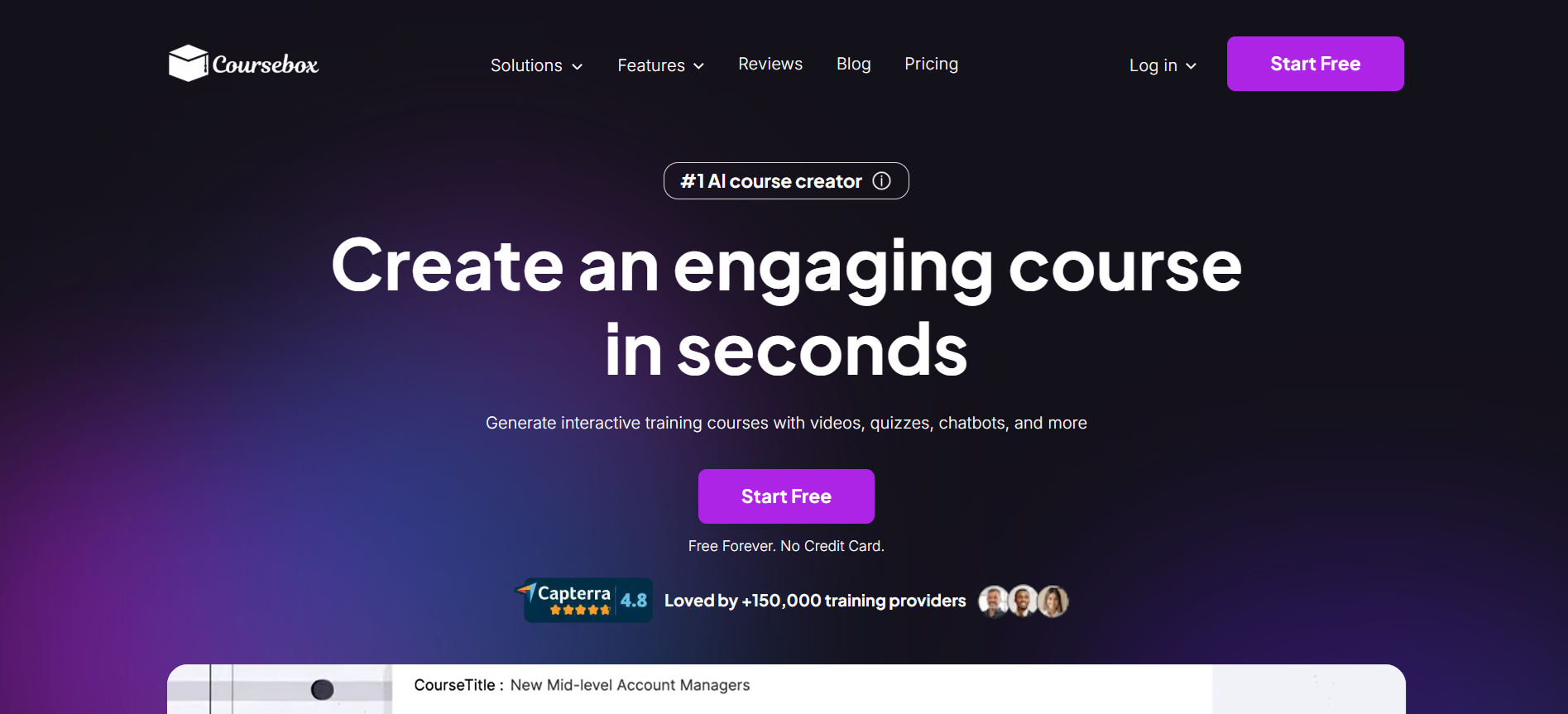
1. Coursebox AI (Best LMS for Small Businesses Overall)

Coursebox AI stands out as the best LMS for small businesses looking to train employees efficiently and effectively. Designed with simplicity, flexibility, and AI-powered automation, the platform makes creating, delivering, and tracking training faster and easier than most alternatives. Small teams benefit from a solution that grows with them, offering scalable tools without overwhelming complexity.
With Coursebox AI, onboarding new hires, upskilling employees, and maintaining compliance becomes smooth and manageable. The platform combines intelligent automation, interactive learning, and detailed reporting, giving managers valuable insights without extra effort.

A user-friendly interface lets employees access courses on any device, anytime, while AI tools create personalized learning paths for maximum engagement.
Coursebox AI also offers a free plan, allowing small businesses to explore the platform’s full potential before upgrading. For teams focused on growth, efficiency, and engagement, this platform is the smartest choice for small business training.

Key Features:
- AI-powered course creation and content generation
- Personalized learning paths for each employee
- Automated assessments, grading, and feedback
- Mobile-friendly learning with offline access
- Interactive quizzes and gamification for engagement
- Detailed analytics and reporting dashboards
- Customizable branding and portals
- Seamless onboarding and role-based training
- Integration with popular business tools
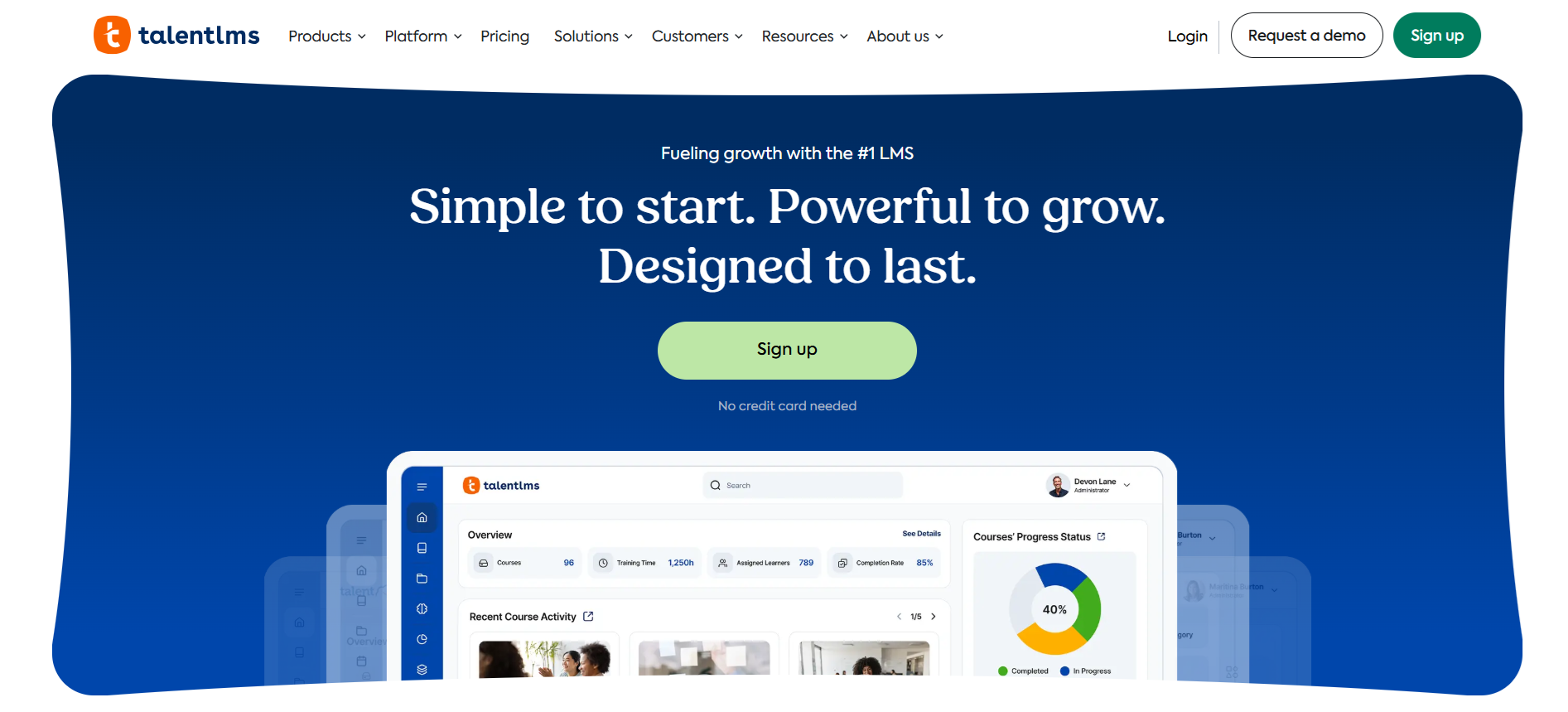
2. TalentLMS

TalentLMS works well for teams that want fast setup and simple employee training. Small companies often choose this platform when time and resources feel limited. The interface feels clear, which helps teams launch training without long onboarding.
This LMS for small businesses supports engagement through automation and gamification. AI tools speed up course creation and assessments. Mobile access supports remote and hybrid teams. The platform feels affordable compared to many competitors and includes a free plan for small teams who want to test features before committing.
Key Features:
- AI-powered course creation
- Automated quizzes and assessments
- Custom learning paths
- Gamification with badges and points
- Mobile-friendly learning access
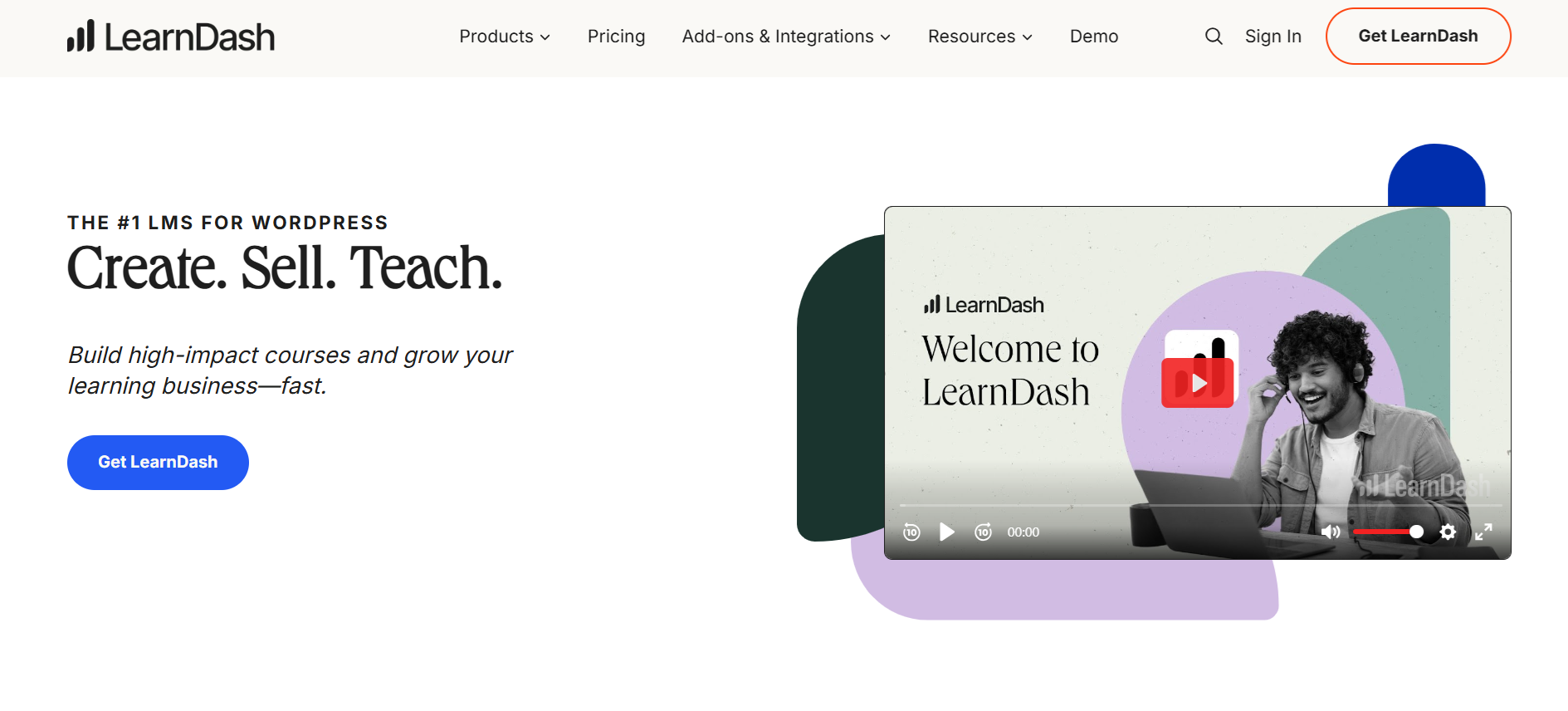
3. LearnDash

LearnDash fits teams that want control and flexibility over employee training. Many choose this LMS for a small business when WordPress already powers their site. Course creation feels structured, while automation supports smoother learning flows.
This platform suits companies that value customization over simplicity. Setup takes more effort compared with plug-and-play tools. Costs feel higher for small teams once add-ons enter the picture. No free plan exists, which may limit early testing. Still, strong learning paths and tracking tools support long-term training goals.
Key Features:
- AI-generated quizzes
- Adaptive learning paths
- Automated grading
- Gamification with badges
- Progress tracking and insights
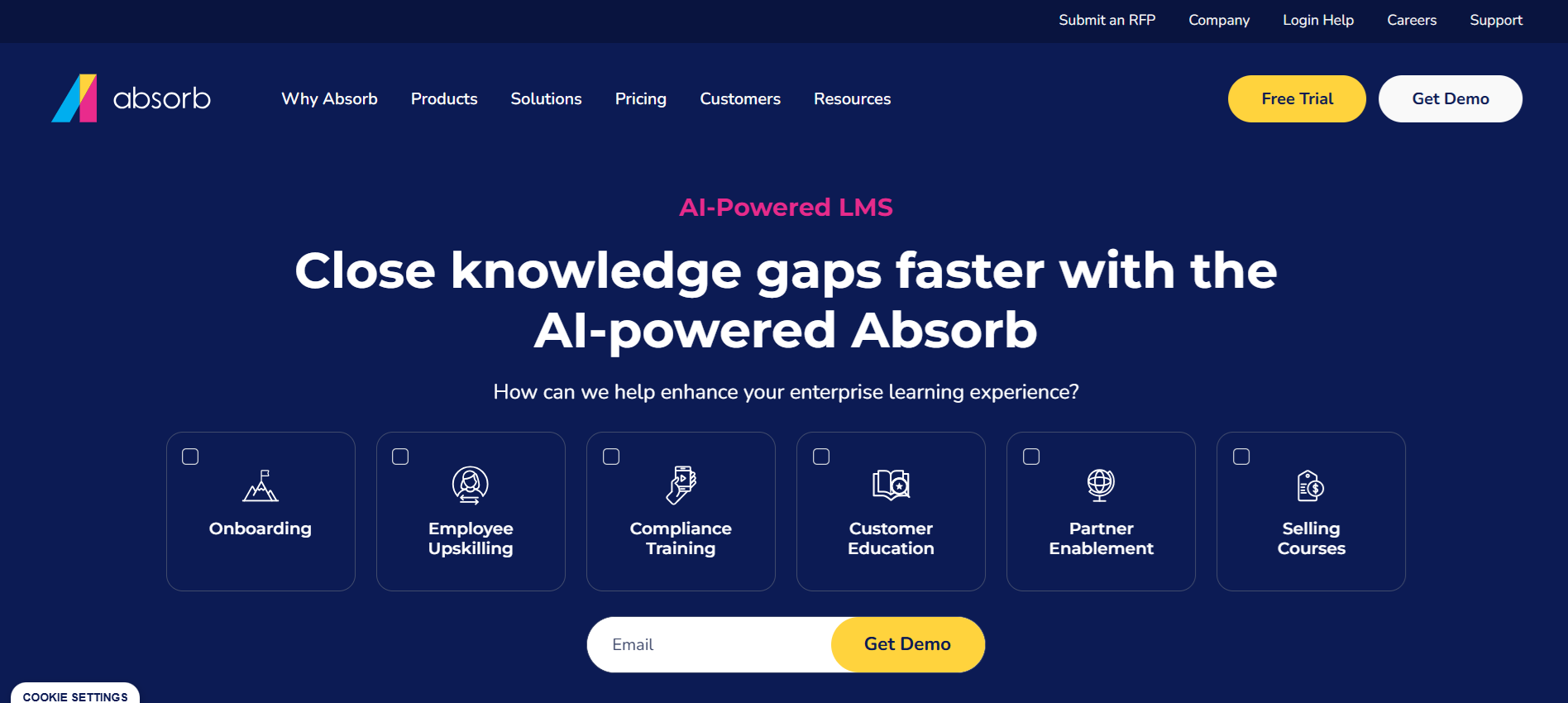
4. Absorb LMS

Absorb LMS suits growing teams that want advanced training without heavy setup. Many see this option as a strong LMS for a small company that values automation and skill growth. AI tools personalize learning paths and reduce admin work, which saves time for small teams.
This platform feels more premium than basic tools. Costs tend to sit on the higher side, which may not fit every small business budget. No public free plan exists, though demos and trials sometimes appear through sales. For teams focused on structured development and long-term training, this LMS delivers solid depth.
Key Features:
- AI-personalized learning paths
- AI-powered course creation
- Automated admin and reporting
- Skill development recommendations
- Real-time content suggestions
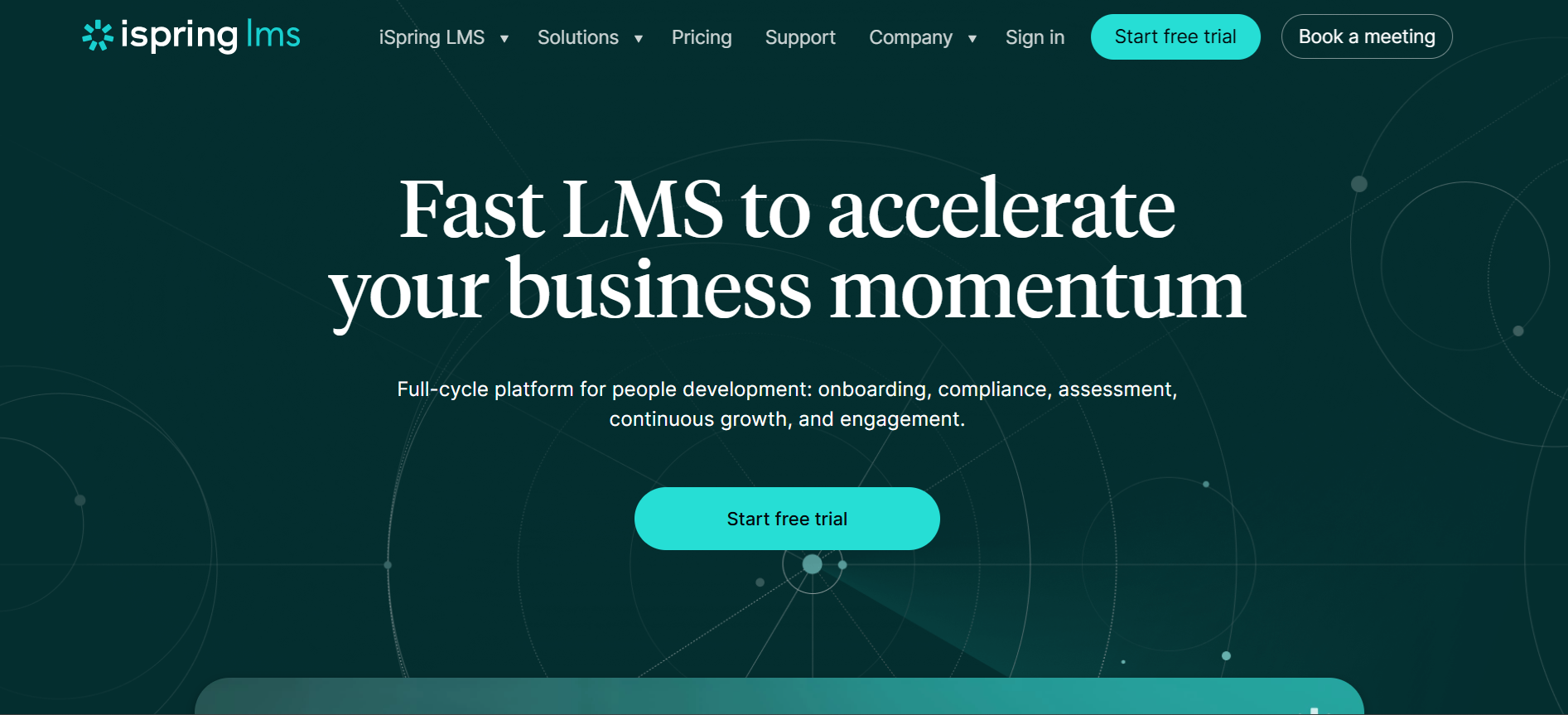
5. iSpring Learn

iSpring Learn works well for small teams that want training fast without complexity. Many use this LMS for a small business when mobile access and quick course creation matter most. AI-driven learning paths help personalize employee training and boost engagement.
The platform feels affordable for small teams and includes a free trial for testing features. Mobile access and offline learning make it easy for employees to train anywhere. Setup is simple, so new hires can start learning without delays. Interactive quizzes and AI-enhanced assignments keep learners motivated.
Key Features:
- AI-driven learning paths
- Mobile and offline learning
- Fast course creation
- Easy onboarding for new hires
- Interactive training with AI support
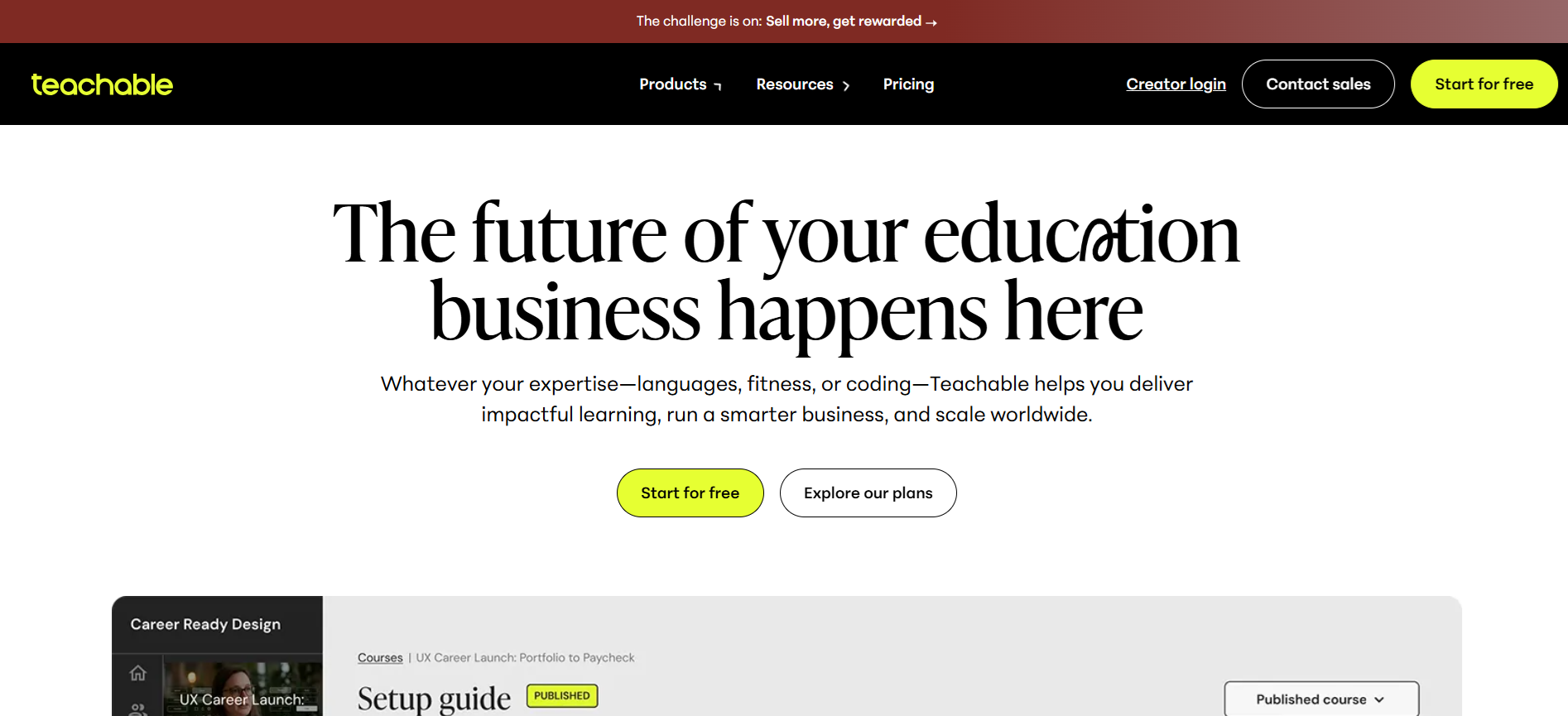
6. Teachable

Teachable works well for small teams that want fast, no-fuss training. Many small businesses use this LMS to deliver courses and coaching without technical headaches. AI-powered course creation speeds up setup, while custom learning paths help employees follow personalized training journeys.
The platform feels affordable for smaller teams, with a low entry cost and scalable plans for growth. Multiple formats, including courses, coaching, and digital downloads, keep learners engaged. Community features allow employees to connect, share, and collaborate during training. Overall, it’s a strong choice for companies wanting easy-to-manage, interactive learning experiences.
Key Features:
- AI-powered course creation
- No-code platform for setup
- Custom learning paths
- Multiple training formats
- Employee community and engagement tools
7. Thinkific

Thinkific fits small businesses that want simple, scalable training. Many choose this LMS for a small company because the setup is fast, and AI support keeps employees engaged. Customizable courses, quizzes, and branded websites give training a professional feel while staying interactive.
The platform feels budget-friendly for small teams and can grow as your business expands. AI-powered tools provide instant help and automate grading, saving managers time. Mobile access ensures employees can learn anytime, anywhere, keeping training consistent across the team.
Key Features:
- Easy course creation from videos and documents
- 24/7 AI tutor for real-time help
- Automated grading and feedback
- Quiz and assignment generator
- Custom branding for a professional look
8. Docebo

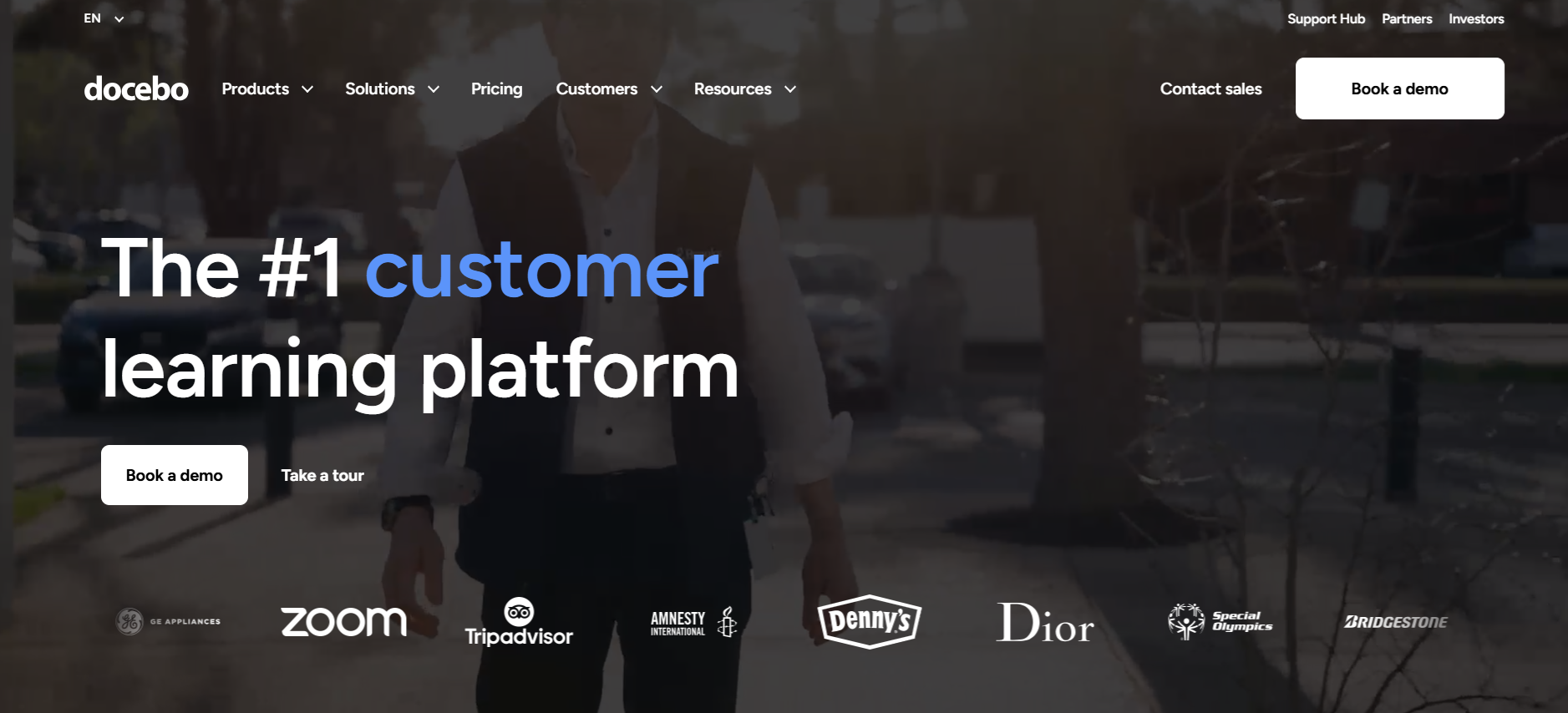
Docebo works well for small businesses that want smart, AI-driven training. Many teams use this LMS for a small company to automate tasks and personalize learning without extra effort. Structured onboarding helps new hires get started quickly, while interactive features keep employees engaged.
This platform feels more premium than entry-level tools, and pricing is custom-based on team size. Mobile access allows learning anytime, supporting remote or hybrid teams. For small businesses focused on efficiency, engagement, and long-term skill growth, Docebo delivers a strong, user-friendly solution.
Key Features:
- AI-powered learning paths and automation
- Easy onboarding for new employees
- Customizable training programs
- Mobile learning for flexible access
- Gamification and engagement tools
9. LearnUpon

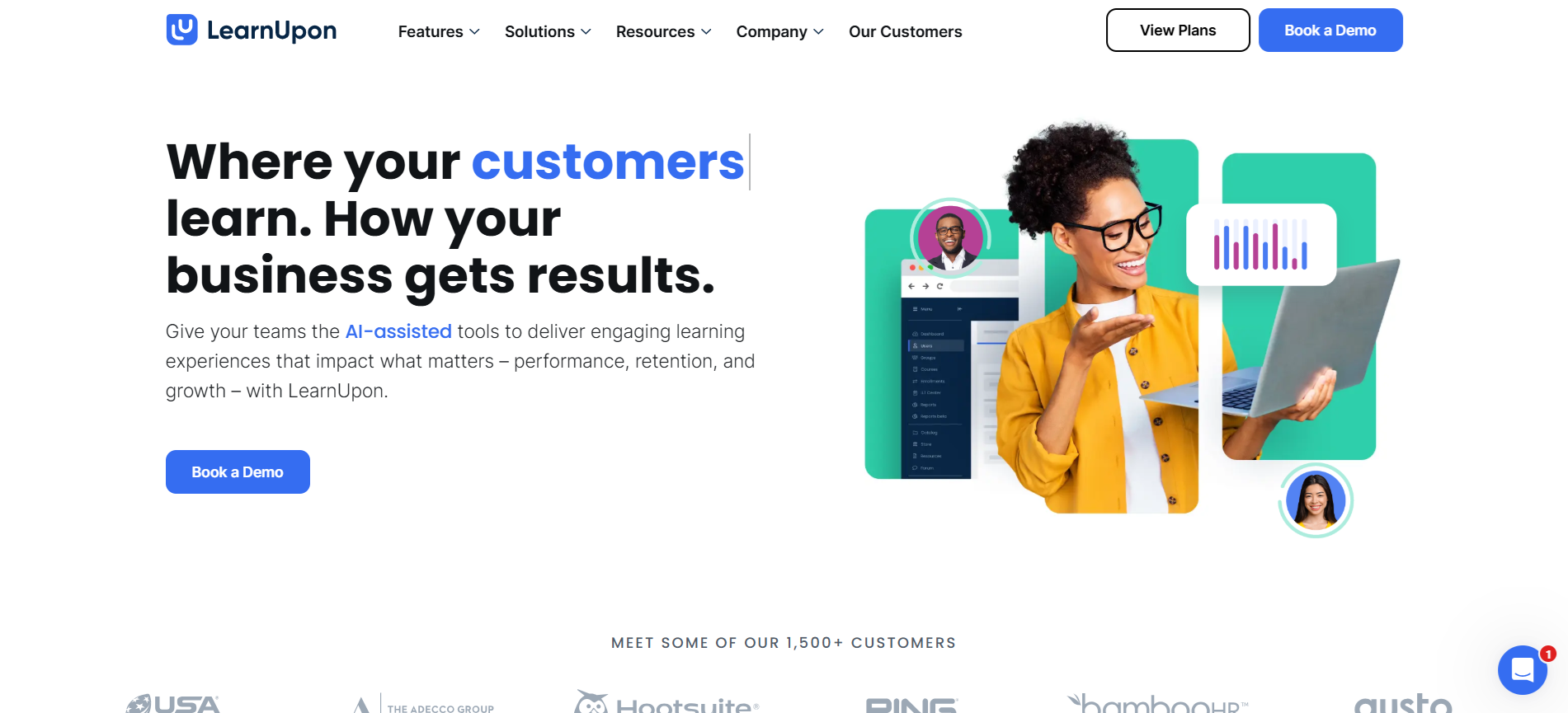
LearnUpon suits small businesses that want all-in-one training without complexity. Many teams use this LMS for a small company to manage, deliver, and track employee learning from one platform. AI tools reduce repetitive tasks, letting teams focus on growth and results.
The platform feels affordable for small teams, with flexible plans that scale as businesses grow. Strong customer support helps small companies implement training efficiently. Interactive features and customizable portals keep learners engaged and motivated, making training both simple and effective.
Key Features:
- Easy course creation
- All-in-one platform for management and delivery
- AI-powered learning automation
- Training for employees, customers, or partners
- Engaging and interactive learning experiences
10. Trainual

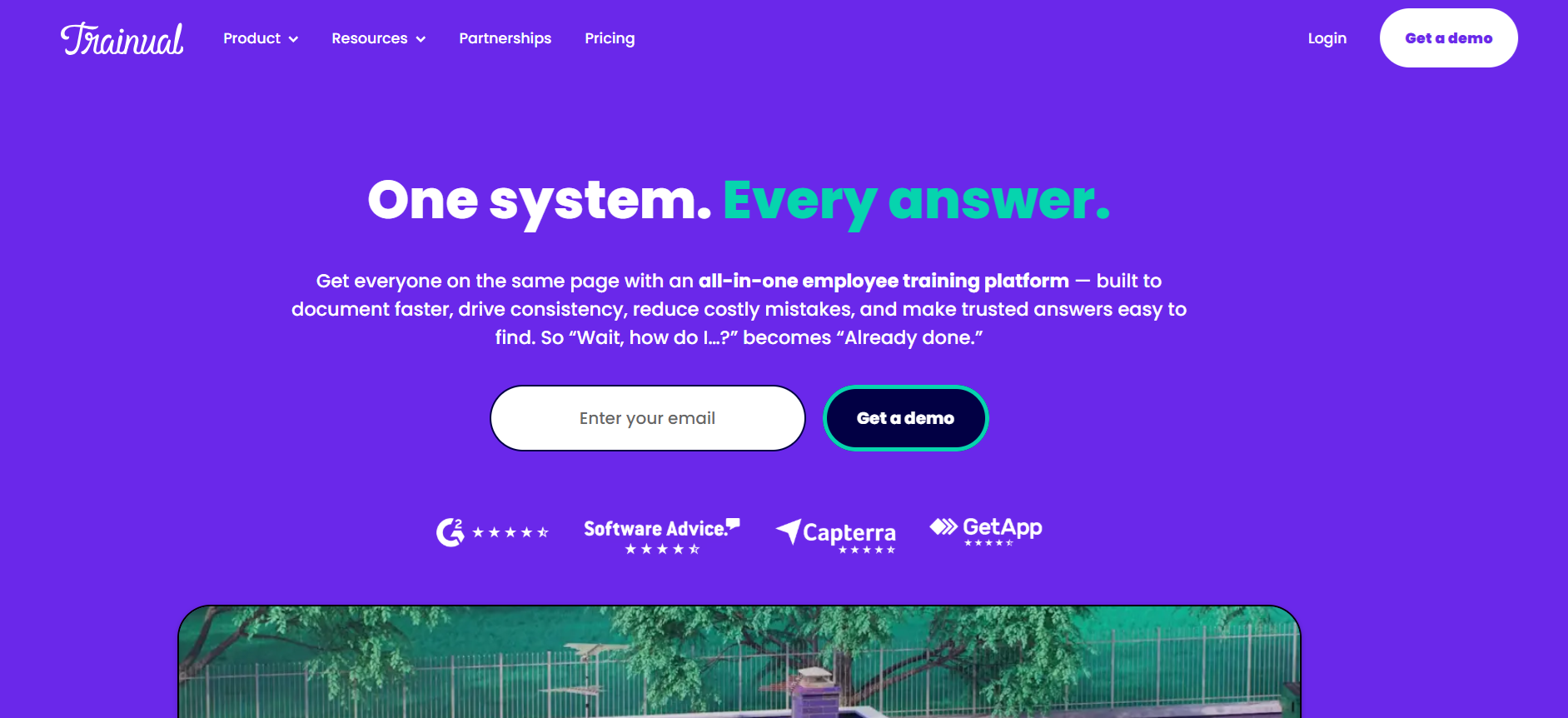
Trainual works perfectly for small businesses focused on onboarding and process training. Many teams choose this LMS for a small company to document workflows, standardize training, and ensure everyone knows how the business operates. It’s less about courses and more about real-world team knowledge.
The platform feels affordable for smaller teams, with plans that scale as companies grow. Role-based learning paths, automated onboarding, and progress tracking help new hires get productive fast. Assessments, compliance tracking, and integrated knowledge bases make training thorough and easy to manage.
Key Features:
- Step-by-step training modules
- Role-based learning paths
- Onboarding automation
- Knowledge base + LMS integration
- Progress tracking and quizzes
Key Benefits of LMS Platforms for Small Businesses
Using a learning management system can make employee training easier, faster, and more effective. Small businesses typically gain these benefits:
1. Faster Onboarding
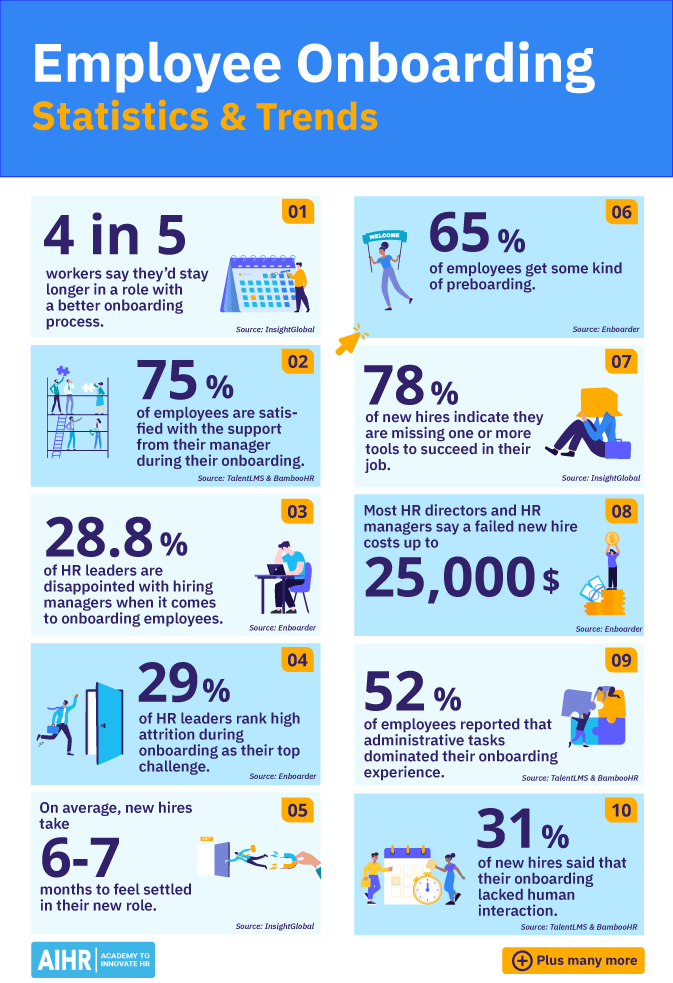
New hires can get up to speed quickly with structured training paths, interactive lessons, and clear guidance. This reduces confusion, saves time, and helps employees start contributing sooner.
Pro Tip: White-label LMS platforms let small businesses brand training portals. Custom logos, colors, and URLs create a professional look and strengthen the company's identity while employees learn.

2. Consistent Training Across Teams
A learning management system ensures every employee receives the same quality of training. Standardized courses prevent knowledge gaps, keep processes consistent, and maintain company standards across all teams.

3. Cost Savings and Efficiency
LMS platforms cut down on in-person training, travel, and administrative work. Automating tasks like course delivery, grading, and reporting saves both time and money for small businesses.
4. Higher Employee Engagement
Interactive courses, quizzes, and gamification make learning more enjoyable. Personalized learning paths and AI-powered features keep employees motivated and invested in their development.
5. Actionable Insights and Analytics
Built-in analytics help managers track progress, identify gaps, and make smarter decisions. Insights from the LMS allow you to improve training content and measure ROI more effectively.
Expert Tips for Making the Right Choice
Choosing the right LMS for a small business means focusing on features that make training easy, effective, and stress-free. Here’s what matters most:
1. Easy Setup and Navigation
Pick a system that’s simple to set up and easy for employees to use. Training should start quickly without extra tech support.
2. Cost-Effectiveness
Find a learning management system that fits your budget. Flexible pricing, free trials, or pay-as-you-grow options help you get value without overspending.
3. Mobile-Friendly Access
Teams work on the go. A mobile-friendly LMS lets employees complete training on phones or tablets, anytime, anywhere.
4. Customizable Courses
Look for tools that let you create or tweak courses. Tailored content makes learning relevant to roles and goals.
5. Reporting and Analytics
Track progress and see which courses work best. Analytics show where employees need extra help and where training can improve.
6. Support and Resources
Strong customer support matters. Even small teams need guidance to run training smoothly.
Simplify Employee Training with Coursebox AI

Choosing the right LMS for a small business doesn’t have to feel overwhelming. Focus on platforms that are simple to use, mobile-friendly, and tailored to your team’s learning needs. Look for tools with reporting, customization, and support to help your training programs succeed.
While many options on this list offer strong features, the best fit depends on your team size, goals, and budget. For a hands-on way to explore a learning management system designed for small businesses, try Coursebox AI’s free plan today and see how easy it can be to start training your employees effectively.
FAQs
What is the easiest LMS to use?
The easiest LMS to use is one with a simple setup, intuitive interface, and clear navigation. Platforms like TalentLMS, iSpring Learn, and Coursebox AI allow teams to create, deliver, and track training without technical knowledge, making onboarding and employee learning fast and stress-free.
What LMS is best for a small business?
The best LMS for a small business depends on your goals. For employee training, the top LMS options include TalentLMS, iSpring Learn, and Thinkific, which combine affordability, ease of use, mobile access, and AI-powered features to help teams train efficiently and scale programs as the business grows.
What is a free LMS?
A free LMS is a learning management system that offers access without any initial cost. Many provide limited users, courses, or features. Examples include TalentLMS free plan and Coursebox AI free plan, allowing small teams to test the platform and start training before committing to a paid plan.
Is there a free LMS?
Yes. Several LMS platforms offer free plans or trials. TalentLMS, Thinkific, and Coursebox AI provide free access with limited users or courses, enabling small businesses to implement employee training, explore features, and assess the platform before upgrading to paid versions for full functionality.
Is Google LMS free?
Google does not offer a dedicated LMS, but free tools like Google Classroom serve as basic learning platforms. They allow course management, assignments, and collaboration, but lack advanced LMS features such as AI-driven learning paths, gamification, or analytics offered by dedicated platforms like Coursebox AI.
Is there a Microsoft LMS?
Microsoft does not provide a traditional LMS, but tools like Microsoft Viva Learning integrate with Microsoft 365 to deliver courses, learning paths, and tracking. It works for small businesses already using Microsoft products but may lack full LMS features found in platforms like TalentLMS or Coursebox AI.

Alex Hey
Digital marketing manager and growth expert