

8 Best Training Company Software Options in 2026: My Review
I compare eight tools for training providers: course creation, client delivery, selling, reporting and classroom administration.

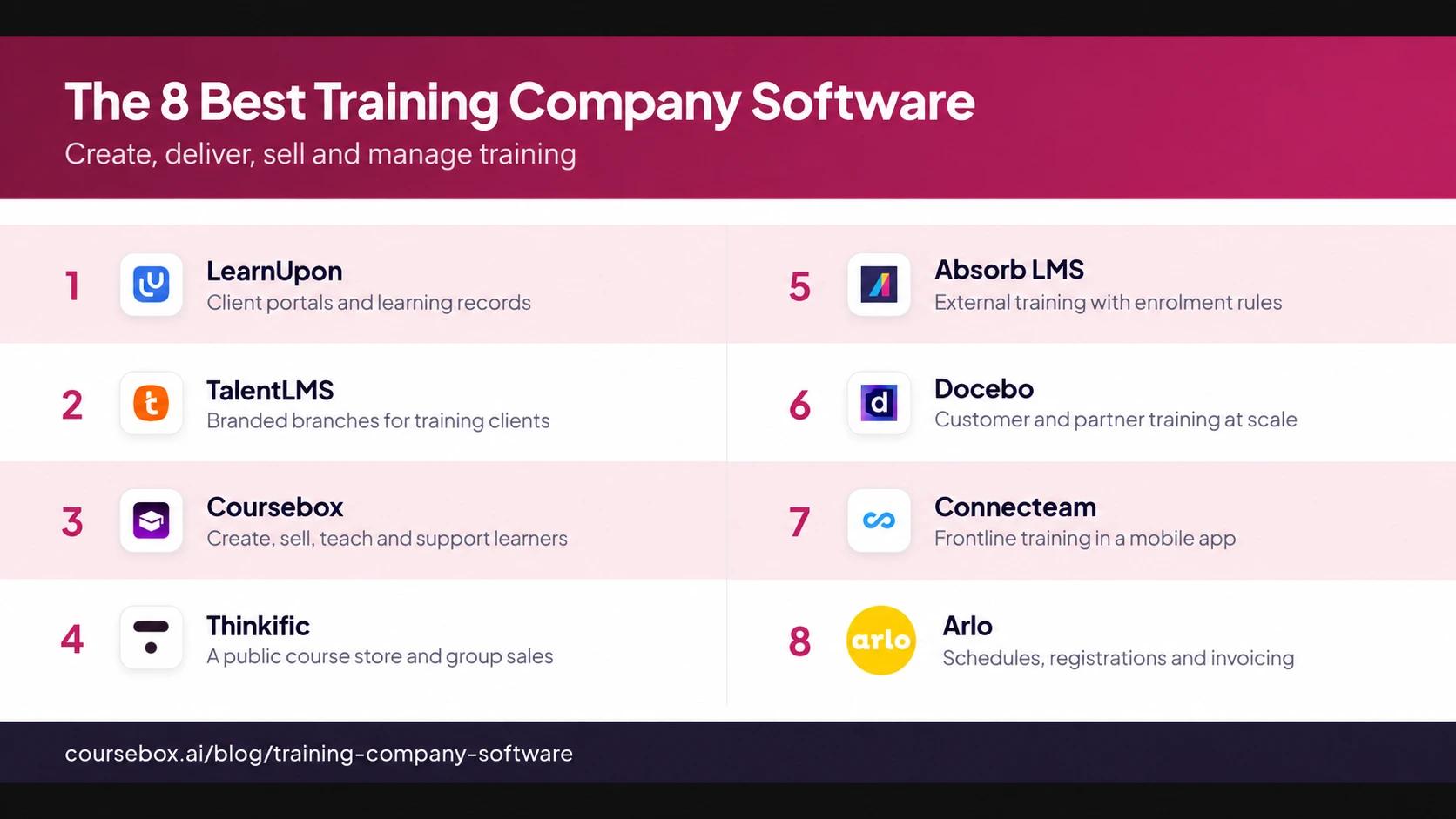
The best training company software in 2026 includes LearnUpon, TalentLMS, Coursebox, Thinkific, Absorb, Docebo, Connecteam and Arlo; choose for your delivery model and client workflow.
- Coursebox covers AI course creation, paid delivery, tutoring, assessments and reporting, with unlimited learners, branded LMS plans and Enterprise client portals.
- For client access and reporting, compare the actual portal, branch or group configuration. Do not use a general claim that internal LMSs cannot serve providers.
- Arlo adds scheduling, registrations and invoicing for live or blended training; Thinkific supports a public course catalogue and eligible group-sales workflows.
- Test a second client with different branding and permissions. Price the required portal, branch, ecommerce and administration features before signing.
Compare four options from the full list, covering online delivery, client portals, public course sales and live-course administration.

Set up your branded LMS and deliver training with AI
Training company software should support the way you sell and deliver training. A provider running public workshops needs schedules, registrations and invoices. A business delivering online programmes needs courses, learner support and client reports. Many need both, so I would check the whole workflow before choosing a platform.
I founded a learning platform and spent a decade selling and supporting systems for training providers and RTOs. The recurring problem is buying for the first client and discovering the limits with the next one: different branding, an extra administrator or a new reporting requirement. These eight cover different parts of that job.
Disclosure: I’m part of Coursebox, which provides AI-powered training management software for creating, selling and delivering learning. It is included alongside the other options below.
Training’s 2025 US report found outside spending rose 29%. That category includes technology, content and consulting as well as training delivery, so it is not a revenue forecast for your company. For a provider, the useful question is whether the software supports the particular service clients are paying you for.
How I judged these
I compared public product documentation and pricing in October 2026. I looked at online learning and client delivery, selling, content production, reporting, and the administration of live courses. Some businesses can cover this in one platform; others need an LMS connected to a training management system.
- Client access and records. Check who sees each client’s courses, branding and results, and what their administrator can manage. A group, branch and separate portal are different arrangements.
- Branding. Check the learner portal, emails, certificates and domain. Confirm which tier removes vendor branding and whether client-specific branding costs extra.
- Selling and administration. Can people buy courses, companies buy seats, and staff manage registrations and invoices? Live training also needs schedules, trainers and resources.
- Course production and upkeep: Compare authoring, expert review and version updates alongside delivery. Faster drafting helps only when the course meets the client brief and your team can maintain it.
- Fit and price. A solo trainer, a growing agency and an enterprise provider need different tools; I have flagged who each one suits and where the quote-only ones get heavy.
The 8 best training company software options at a glance
| Tool | Best for | Provider workflow | Cost basis | Check before buying |
|---|---|---|---|---|
| LearnUpon | Client learning portals | Audience access, exams and records | Quote; audience-specific user bands | Portal, branding and ecommerce scope |
| TalentLMS | Branched client training | Courses, branch branding, payments | Free 5/10; Core $119/mo annual | Branch limits and shared-course settings |
| Coursebox | Create, sell and deliver | AI courses, tutor, assessments, reports | Unlimited learners; 0% commission | Branded portal or Enterprise client portals |
| Thinkific | A course catalogue | Storefront, memberships, group sales | Subscription + processing | Gateway fees and B2B package |
| Absorb LMS | External training with rules | Audience pricing and bulk seats | Quote; package scope varies | Enrolment keys and client permissions |
| Docebo | Customer and partner training | Plans, integrations, monetisation | Annual quote | Extended-enterprise and ecommerce scope |
| Connecteam | Frontline client training | Mobile courses and employee app | HR hub; free small-team tier | Independent client account setup |
| Arlo | Live and blended operations | Schedules, registration and invoices | Admin licences + registrations | Usage, elearning and integrations |
Prices were read off each vendor’s own pages while writing; the provider-grade platforms are mostly quote-only, so confirm current numbers before you rely on them.
The 8 best training company software options
1. LearnUpon
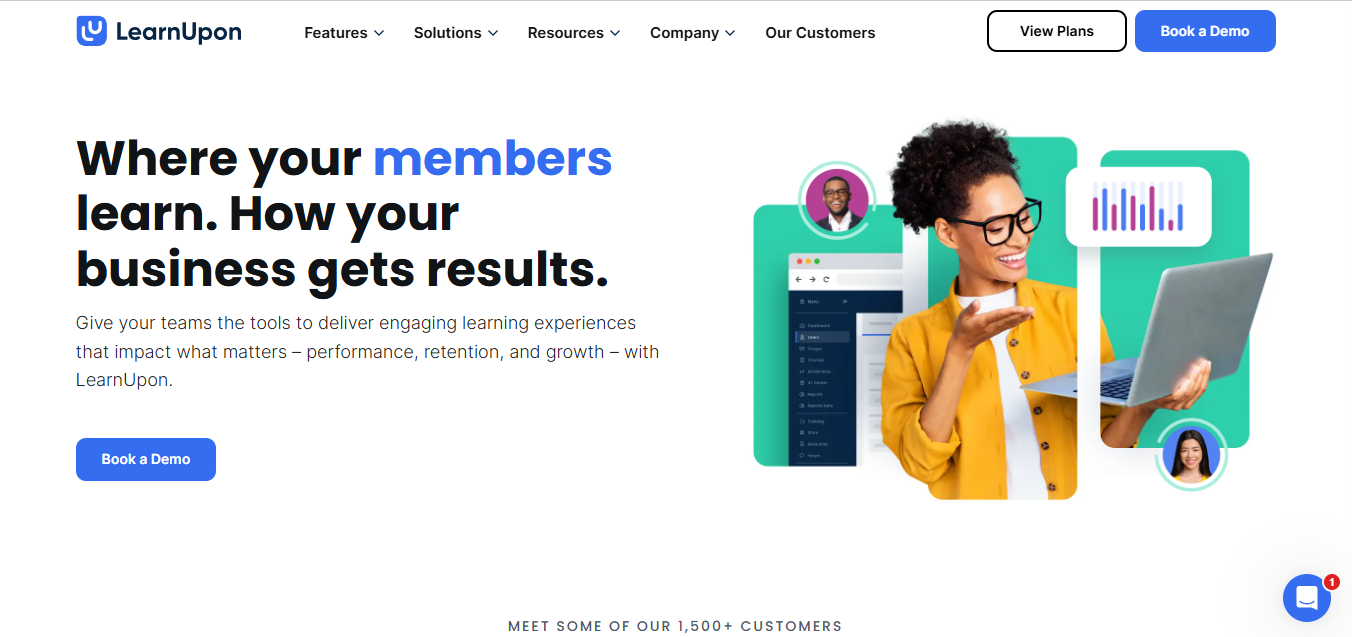
LearnUpon is worth comparing when your delivery depends on organised client access and reliable learning records. Its portals can separate audiences, while courses, exams, certification and reports support the programmes inside them. Client administrators and your central team need different permissions, so portal structure is part of the setup rather than just a branding choice.
Pricing is quote-based and varies by audience and package. Its published offerings start at 100 employee users, 300 customer-education users or 150 association users. Features such as white-labelling, ecommerce and integrations need to be scoped in the proposal; do not assume every client gets a fully independent portal on every plan.
My take: I would demo a second client with different branding, its own administrator and a report they can access. Then change one shared course and check both clients’ records. That is a more useful test than judging the platform solely by how many portals it advertises.
2. TalentLMS
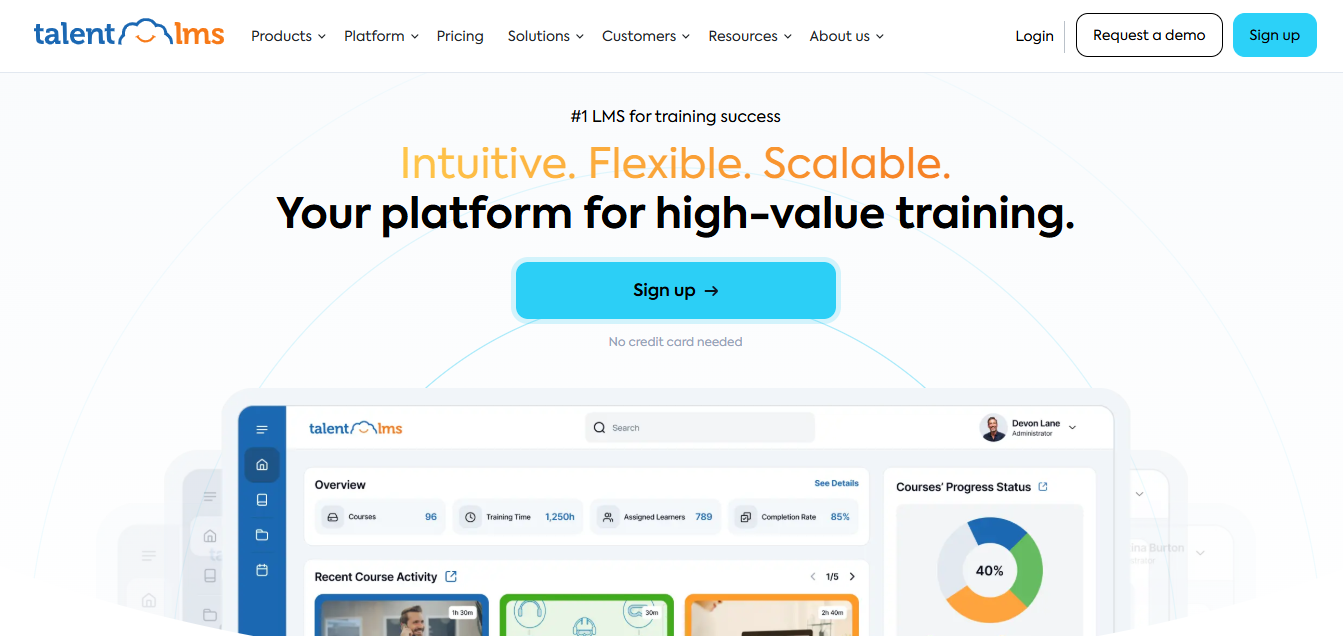
TalentLMS can give a provider client-specific branches, alongside course creation, tests, certificates and progress reports. Branches support their own branding, domain and catalogue. Built-in ecommerce settings also let you sell courses through supported payment providers, rather than buying an unspecified ecommerce add-on.
The free plan is five users and ten courses; paid Core starts at US$119/month billed annually for 1 to 40 users. Branch allowances vary: Core includes one and Grow includes three. Full vendor-brand removal has its own tier requirements, so the cheapest plan is not automatically the right plan for a branded client service.
What I’d check: Shared courses keep shared settings, and changes affect learners across their branches. TalentLMS recommends cloning when you need a separate version. I would decide who owns those copies before onboarding clients with different prices, completion rules or certificates.
3. Coursebox

Coursebox lets providers create, sell and deliver client training. Turn source material into a reviewed course, add assessments and publish through a branded portal. AI grading, certificates, learning paths and reports support delivery, while a tutor grounded in the course can answer learners’ questions between sessions.
Coursebox supports unlimited learners and takes 0% commission on course sales, before payment processing. Pro + LMS provides your branded portal and domain. Eligible plans offer SCORM packages or connected LTI 1.3 delivery into a client’s LMS. Enterprise includes independent client portals, one bonus client portal and additional portals at US$2,000/year each, with a two-year minimum initial term. Admin SSO is a US$3,000/year Enterprise add-on; learner SSO is custom-scoped.
My take: It is a useful option for running the learning service as well as building it. Match the setup to the engagement: groups within one brand, independent client portals, or delivery into the client’s existing LMS. I would test the client administrator’s access and final report before setting the price of a recurring service.
4. Thinkific
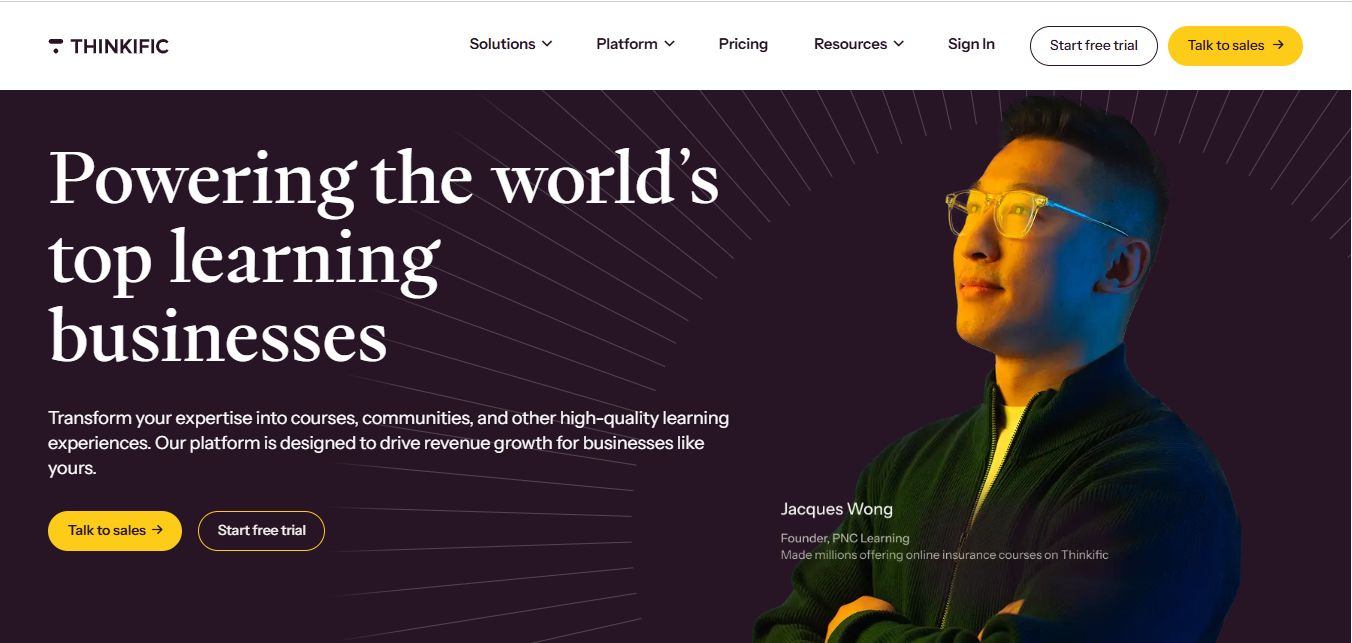
Thinkific suits providers selling a catalogue of self-paced courses. Its site, checkout and course delivery support individual buyers, while memberships, bundles and group-sales features can support continuing access or company purchases on eligible plans. A public storefront is only one use case; B2B options should be compared against the client’s actual requirements.
Choose the package for the course limits, group administration and branding you need. Thinkific Payments avoids the extra third-party gateway fee, but processing remains; other gateways can incur an additional plan-based charge in applicable countries. It is not accurate to promise no fees on every paid plan.
What I’d check: Buy a course as an individual, then ask the vendor to demonstrate a company buying seats and tracking its team. If the business also runs classroom sessions, check the scheduling and invoicing workflow separately rather than expecting a course store to manage every live event.
5. Absorb LMS
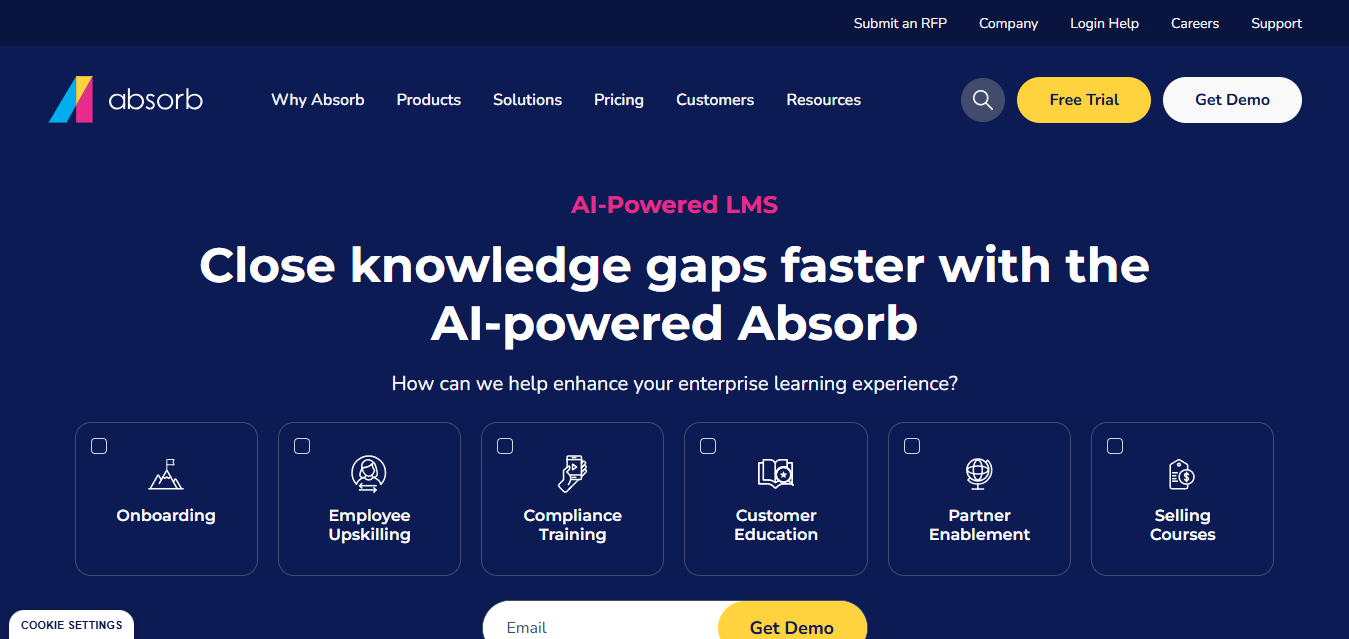
Absorb LMS supports external training with configurable catalogues, enrolment rules and department-based access. A provider can use audience-specific course availability and prices, sell multiple seats through enrolment keys, and report on purchases and learning. Those are concrete capabilities to compare, rather than choosing it because the portal looks polished.
It is quote-priced. Scope ecommerce activation, client branding, permissions, integrations and implementation with the vendor. Authoring through Absorb Create is separately licensed. The client structure determines what an administrator can see and which learners receive a course automatically.
My take: In Absorb’s ecommerce workflow, a purchaser can distribute enrolment keys to other learners. I would test a client buying ten seats, handing them out and checking unused access. It is a better buying test than a general promise of automation.
6. Docebo
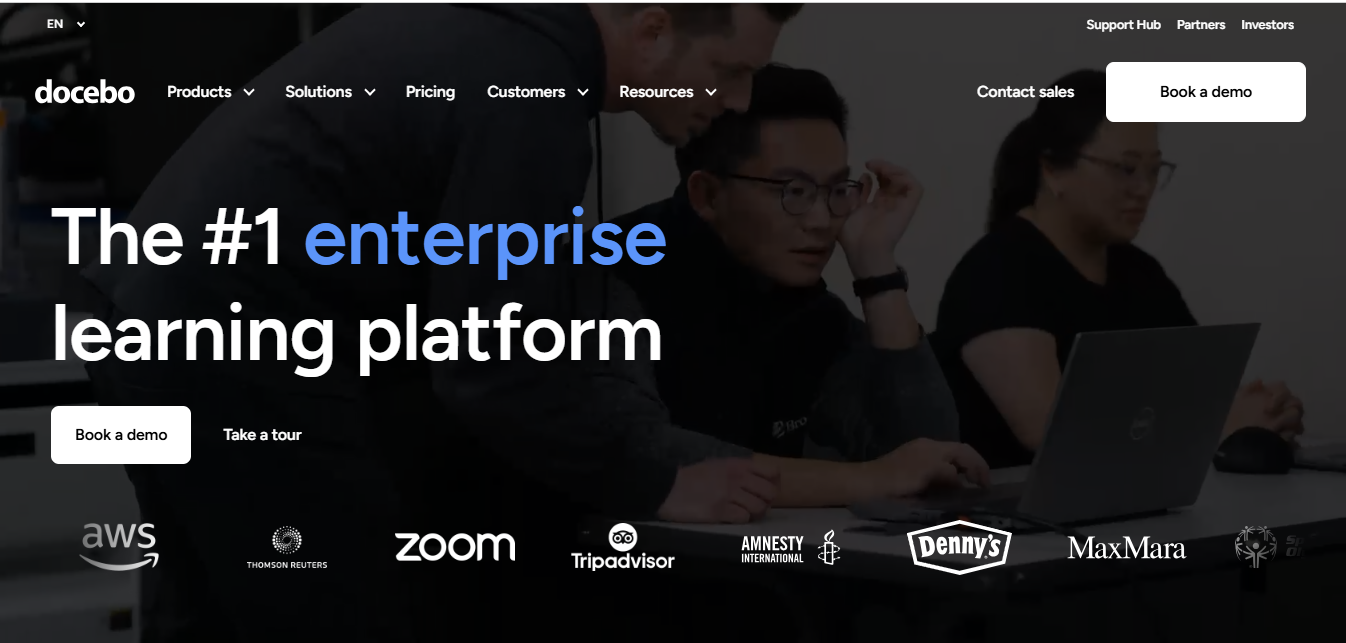
Docebo combines learning delivery with extended-enterprise features for customers and partners. Course catalogues, learning plans, certifications and reporting can support a provider serving organisations with different access requirements. Integrations can connect learner accounts and training records to the client relationship rather than leaving staff to reconcile two systems.
The platform is quote-priced with annual contracting. Ecommerce is a paid add-on; Enterprise includes extended-enterprise support for up to ten domains, confirm the add-on scope on other packages. Ask for reporting and integration scope explicitly. Implementation and ongoing administration belong in the budget too.
My take: I would ask for a client manager’s view and a provider-wide view of the same programme. Check delegated permissions, the data each client sees and how shared-content updates work. Those details decide whether the platform helps your service, more than a general label such as enterprise-grade.
7. Connecteam
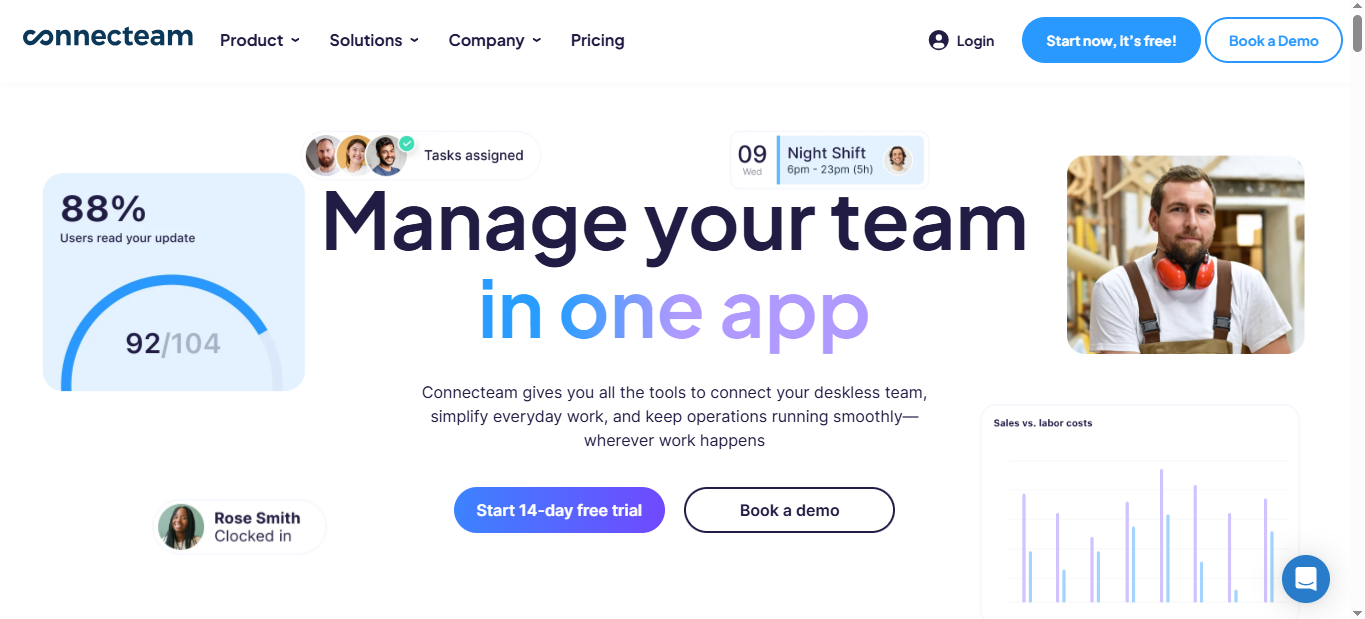
Connecteam can be useful when your service puts training directly into a frontline team’s working day. Mobile courses, quizzes and read-and-confirm material let staff learn on their phones, while progress views show the manager who has completed the required work. It also offers wider employee-operation tools through separately priced hubs.
Training is in the HR & Skills Hub, starting at US$29/month billed annually for the first 30 users on Basic; higher tiers add course and document features. A free small-business plan supports up to ten users. It is an employee-management app, so confirm the account arrangement if your business needs to administer several independent client organisations.
My take: I would use this when the client already wants the app’s wider frontline workflow. For a provider-owned storefront, client-specific invoicing or several independently branded academies, demonstrate those needs before choosing it; mobile course delivery alone does not answer them.
8. Arlo
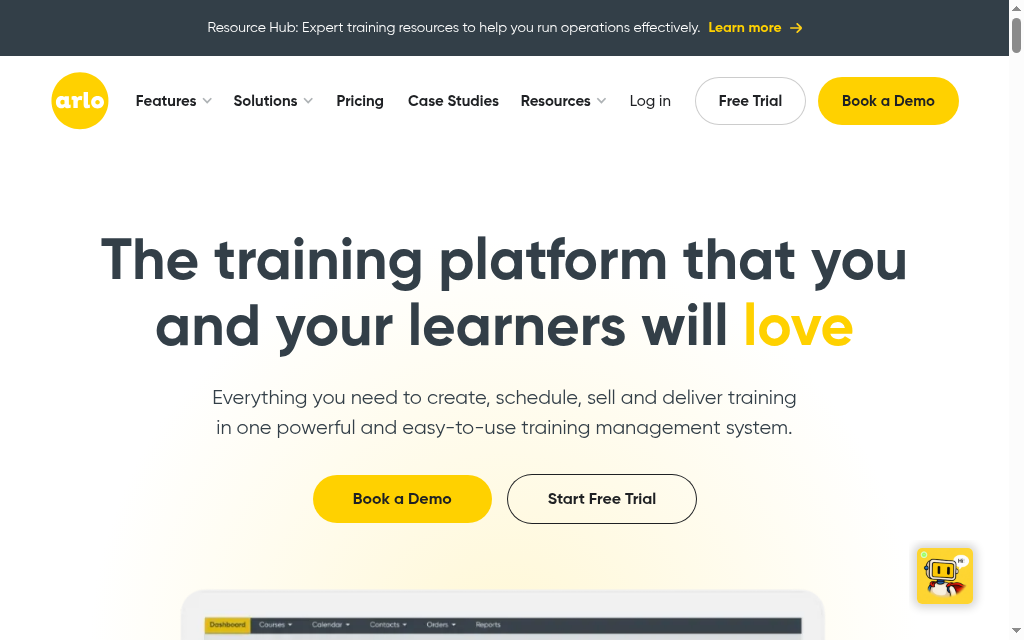
Arlo addresses the administration of a training business: scheduling courses, taking registrations, managing contacts and sending invoices. It supports public and private training, with a customer portal and tools for recurring workshops or multi-session programmes. That makes it relevant when the work happens around a live course as well as inside the lesson.
Pricing combines administrator licences and registration usage. Paid and free registrations have different rates, and elearning is a selectable addition. Use the calculator in your currency with a realistic annual registration count; a private event can still create usage charges even when learners do not pay individually.
My take: I would move one real workshop through enquiry, registration, payment, attendance and certificate. Check trainer and resource scheduling, cancellations and the accounting connection as well. Arlo now offers elearning authoring and delivery, so compare that package or an LMS integration instead of treating it as a course-registration tool only.
Which training company software should you choose
Training’s 2025 US survey found 56% of organisations used at least some online training for onboarding. A provider delivering live induction can use that mix too: prepare learners before the session, use the workshop for practice and leave a course for follow-up. Check that the platform can report on the online and live parts of the programme.
Give the second client different branding, a separate administrator and a restricted course catalogue. Check whether they can see only their own learners and whether a shared-course update changes both programmes. Then test how they buy seats or receive an invoice. Client access, selling and delivery must work together; the right setup may be a branded LMS, a training management system, or both.
For online programmes with creation, assessment and learner support together, I would compare Coursebox. For client portals and reporting, LearnUpon, TalentLMS, Absorb and Docebo are worth checking against your actual client structure. Thinkific suits a public course catalogue and group sales; Connecteam fits frontline delivery inside the client’s employee app. If schedules, registrations and invoices drive the business, put Arlo on the shortlist.
If turning your training into a self-serve revenue stream is the goal, our guide to the best ecommerce LMS platforms goes deeper on the selling side.
Do you need an LMS, a training management system, or both?
| Your main workload | Software to prioritise | What should connect |
|---|---|---|
| Self-paced programmes with assessments and learner support | LMS with course creation and reporting | Purchases, enrolments, course versions and client reports |
| Public workshops with trainers, venues and cancellations | Training management system | Enquiries, registrations, schedules, invoices and attendance |
| Blended client programmes | Connected training management system and LMS | Shared learner identity, booking status and learning records |
A provider can sell the same programme in several formats. A cancellation changes the booking and possibly the invoice; it should not silently erase the learner’s completed training. My preference is to define which system owns each record before connecting them, so staff are not correcting two versions of the same booking.
Frequently Asked Questions
Training company software supports a provider’s business and learning delivery. An LMS manages courses, assessments, learner support and progress. A training management system manages schedules, registrations, contacts and invoices. Some platforms combine parts of both; choose the functions needed for the service you sell.
The difference is the workflow, not a rule that an internal LMS cannot train clients. Providers may need client-specific access, branding, delegated administrators and commercial selling. Tools such as TalentLMS and Coursebox can serve providers as well as employers. Check the configuration and plan rather than relying on the product category.
Yes. Depending on the platform and plan, you can sell individual access, memberships or seats for a company. Coursebox supports paid course access and subscriptions with no course-sales commission; Thinkific offers a storefront and group-sales options. Processing charges and any gateway or usage fees still need to be included in the budget.
Coursebox, TalentLMS and Connecteam have free starting options, with different content, user and feature limits. A pilot can help test the teaching workflow, but it does not prove that free features cover client branding, separate administration or a commercial rollout. Ask for a demo or trial of the actual paid configuration where necessary.
Map one paid engagement from enquiry through delivery and the final report. Prioritise an LMS for online learning and a training management system such as Arlo when scheduling, registration and invoicing are central. For multiple clients, test permissions and branding with two examples, then compare the full recurring and implementation cost.
Travis Clapp
Travis Clapp is the original founder and CEO of Coursebox. As an experienced instructional designer, he has lived through the process of building high quality courses. These experiences brought about his idea to upload all your documents and ideas into a virtual box that could convert those magically into a course. Prior to Coursebox, he successfully founded and built a social based LMS. Travis has 15+ years of experience designing courses and EdTech platforms from university MOOCs to enterprise LMS. Travis has built training for reputable companies like Johnson & Johnson, Electrolux, Michael Hill and SA Health. One of his courses reached 20,000+ learners which was a flagship edX course. He is based in the Adelaide, South Australia office and passionately works on customer support, sales and bringing the original product vision to life every day.

