

10 Best LMS Platforms for Customer Training in 2026: My Shortlist
Customer training is not employee training. Here are the 10 best LMS platforms for customer education, ranked on white-label portals, external-audience scale and the per-seat pricing trap.

The best LMS platforms for customer training in 2026 include Skilljar, Intellum, Docebo, Coursebox and other tools for different academy, audience and commerce needs.
- Test the branded customer journey, audience isolation, certification and customer-success data connection.
- Model the full cost at launch scale, including learner definitions, course capacity, AI usage, portals and integrations.
- Coursebox connects creation, assessment, tutoring and delivery with unlimited learners; branding and integration scope depend on the plan.
- Skilljar offers scheduled reports, LearnUpon includes Create+ authoring, and WorkRamp is now Learn:Up by Confirm.
Use three preferences to compare four starting options. Check the entries for required capabilities, prices and plan conditions.

Run your own branded LMS with unlimited learners
A good product launch can put ten thousand external learners in your academy in a week, none of whom work for you. That is the job customer training software has to handle, and it is a different one from training staff. You are teaching people who signed up to use your product rather than to sit a course, and who will close the tab the moment it feels like homework.
For an external academy, I check the branded learning experience, how customers enter the course, what records reach the customer-success team and what a launch does to the bill. Some employee LMS platforms handle those jobs well too. The question is whether the actual customer journey works.
I run customer success and build the training that goes with it, onboarding academies, partner certifications, the lot, so I have felt the per-seat bill climb as a launch brought learners in, and watched people bounce off a course that felt like homework. That is the lens here. I ranked these ten on how well they handle external audiences, branding and the pricing trap, not on generic LMS feature counts.
Disclosure: we build Coursebox, which combines AI course creation and learner delivery. Branding and integration scope depend on the plan.
What makes a customer-training LMS different from a normal one
A tool can be a fine employee LMS and a poor customer one. These are the things that separate them, and what I judged on.
- Audience separation. Branding, separate portals and true audience isolation are different capabilities. Test each customer or partner group’s login, catalogue, permissions and reports rather than assume a branded page is a separate tenant.
- Pricing at launch scale. Model registered, active and peak learner counts, then include AI usage, portals and integrations. Unlimited learners remove one billing variable; they do not make every other capacity unlimited.
- Reporting tied to adoption, not completion. A customer finishing a course counts for little if they still churn. The platforms built for this connect learning to product adoption, retention and support-ticket volume, and report by account, not just by individual.
- Certification and, if you sell it, monetization. Issue certificates in-platform at scale, so a customer who finishes a course walks away with real proof, not a line in a spreadsheet. And if you sell your training rather than give it away, a paid certification, or a course a client company buys seats to, the platform should take the payment itself (subscriptions, bulk licensing, e-commerce), so you are not bolting a separate checkout onto it.
- Integrations that reach your CS stack. Salesforce or HubSpot, your customer-success platform, single sign-on (SSO, so customers log in with their existing company credentials), product analytics. Customer-training data is only useful if it lands where your team already works.
- Security and compliance for outside data. You are holding data on people who do not work for you, so SOC 2, SSO and GDPR or regional data handling belong on the checklist, especially when a partner or enterprise customer vets you before letting their people into your academy.
One more honest point: an LMS is not always the right tool. If your training is procedural, teaching someone to click through your product, in-app guidance (Whatfix, Appcues) or a knowledge base can beat a course. An LMS wins for structured, conceptual learning and certification. Match the tool to the job.
The commissioned Forrester survey also reports changes in support costs and retention. These are decision-makers’ reported programme outcomes, not a controlled estimate of what an LMS causes. Establish your own baseline for adoption, support demand and account retention.
How I compared these
I ranked these on the customer-training-specific things, not generic LMS features: how well each handles external audiences, whether the portals are truly branded and multi-tenant, the pricing model (and whether it punishes scale), certification, monetization and the integrations a customer-success team needs. I checked plans and pricing models on each vendor’s own site, and pulled user ratings from G2 and Capterra. Where a tool is really an employee LMS with a customer bolt-on, I have said so.
The 10 platforms at a glance
| Platform | Best for | Built for | Branded portals | Pricing model |
|---|---|---|---|---|
| Skilljar | Pure customer & partner academies | External-first (customer/partner) | Yes, multi-tenant | Quote; effectively per-learner |
| Intellum | Enterprise multi-audience at scale | Customer + partner + employee | Yes, multi-tenant | Quote; enterprise |
| Docebo | One LMS for staff and customers | Employee-first + extended enterprise | Yes (audiences) | Quote; per active user |
| Coursebox | White-label academy, no per-learner fee | Creators, teams, external | Plan-dependent branding | Plan capacity; unlimited learners |
| Thought Industries | Monetized / selling training | Customer/partner (B2B) | Yes, multi-tenant | Quote; enterprise |
| Absorb LMS | Broad internal + customer coverage | Employee + external | Yes | Quote; per user |
| TalentLMS | Fast, simple first academy | SMB, mixed audiences | Yes | Per-user tiers (small free plan) |
| LearnUpon | Multi-audience branded portals | Customer + partner + employee | Yes, multi-portal | Quote; customer education from 300 users |
| Learn:Up (formerly WorkRamp) | CS-led customer + employee learning | Customer + employee | Yes | Quote; enterprise-leaning |
| iSpring Learn | Authoring-heavy customer courses | Employee-first | Yes | Per-user |
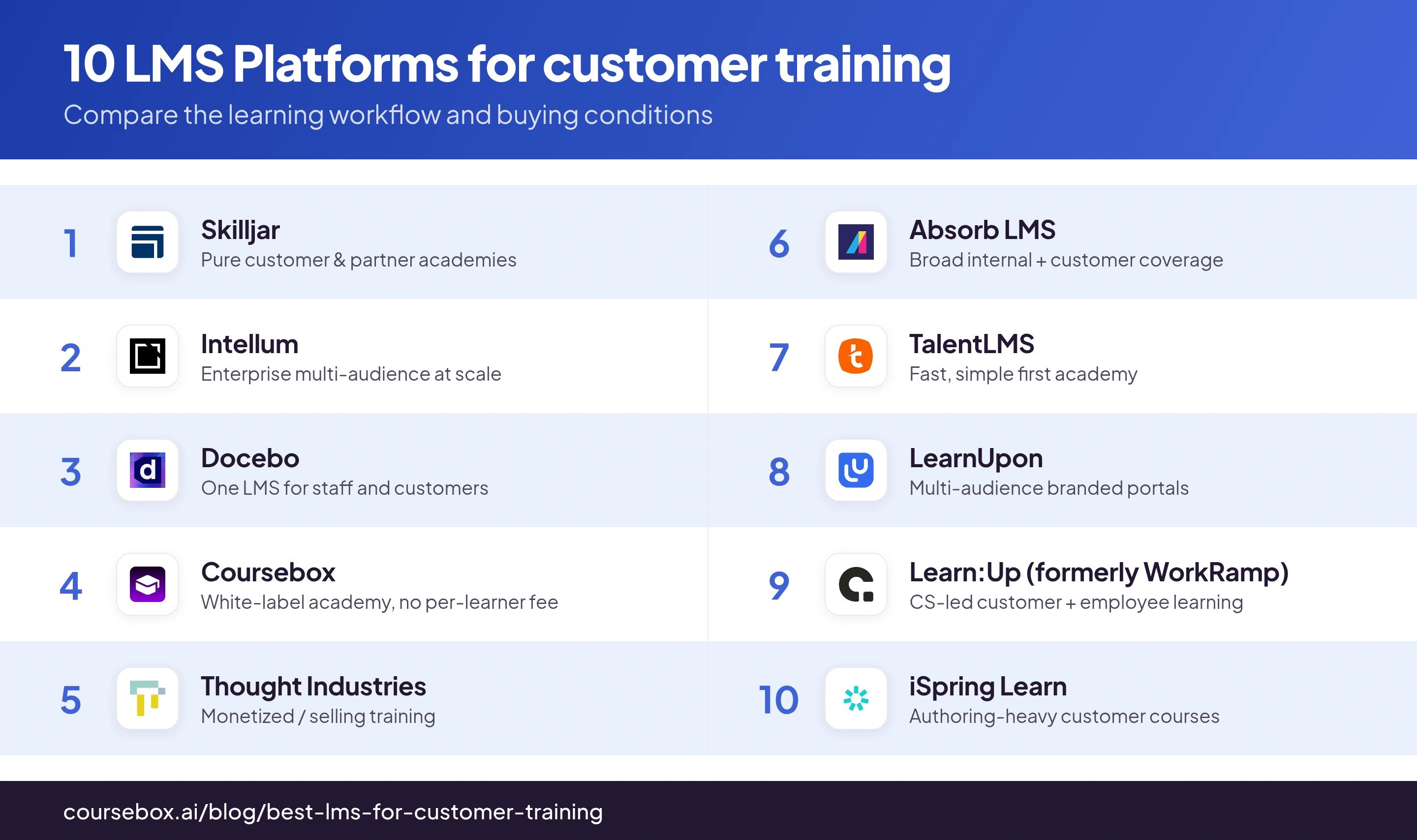
Compare the actual package and learner definition. Pricing, portal isolation and connected analytics need to be confirmed for your setup.
The 10 best LMS platforms for customer training
1. Skilljar
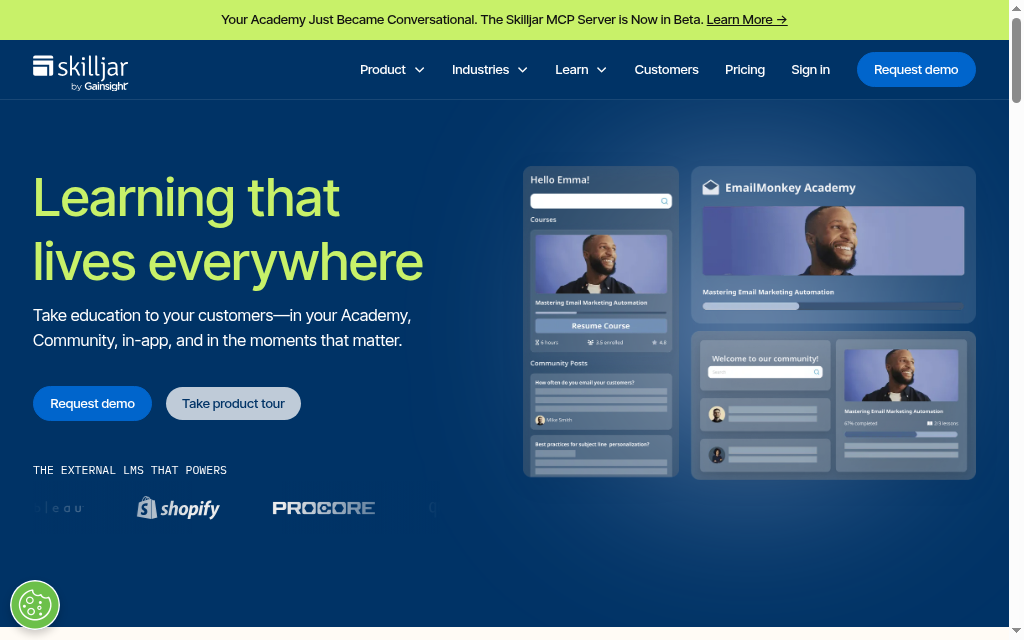
Skilljar, now part of Gainsight, is the platform built for customer and partner education from the start, and it is what most teams in this category benchmark against. You spin up a branded, self-service academy where customers, partners and prospects each land in their own gated portal, enrol themselves, and earn certifications, all under your brand. It plugs into Salesforce, HubSpot, Zendesk and your product analytics so learning data lands where your customer-success team already works.
Best for a company standing up a dedicated customer or partner academy and willing to invest in the category leader. It is external-first, built for customers from the ground up rather than an employee tool with a bolt-on. The honest catch is cost and scope: pricing is quote-based and enterprise, and it is a pure academy platform, so if you also want internal training you are running a second system.
My testing experience: I would now include a scheduled account-level report in the demo, because Skilljar’s current plan comparison lists custom and scheduled reports. Check the eligible plan, CRM fields and delivery settings. My earlier admin and theming friction is a reason to trial routine tasks, not evidence that those reporting features are absent. Pricing is quoted; obtain the learner definition and full academy scope.
Verdict: The reference pick for a serious, standalone customer or partner academy. Enterprise pricing, and academy-only, so weigh it if you also need internal training.
2. Intellum
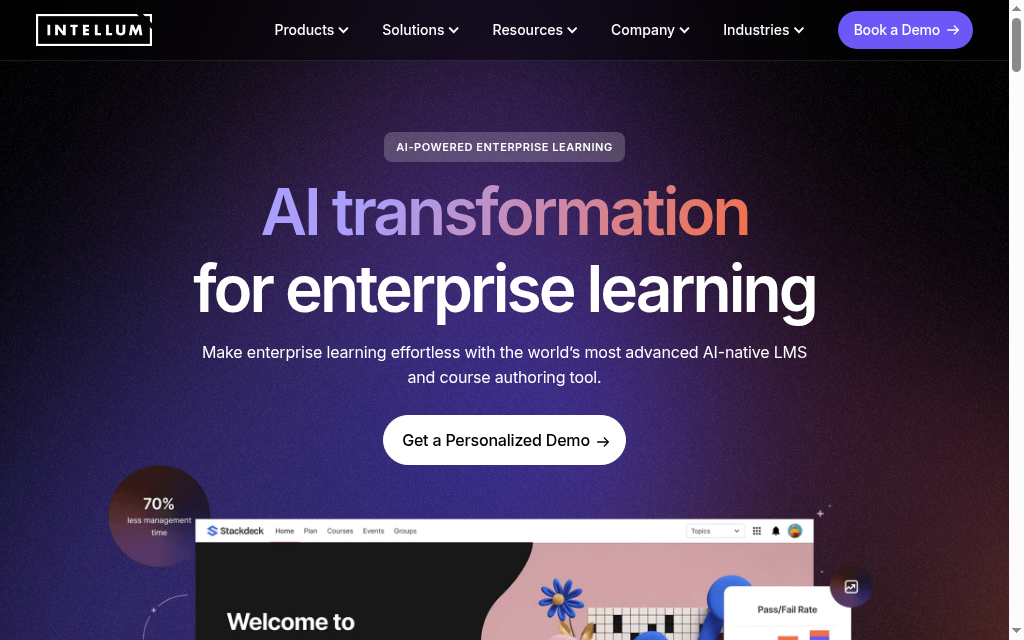
Intellum runs customer, partner and employee education on one platform, and it powers major external academies including Meta Blueprint and Google. It combines an LMS, a CMS and analytics, so you author, deliver and certify at scale, and it leans hard on tying learning to adoption and retention rather than course completions. Multi-audience is its calling card: one instance, separate branded experiences for each group.
Best for a large organization that wants customer, partner and employee learning in a single system and measured against business outcomes. It is enterprise software with the setup and price that implies, quote-based, consultant-led, so it is overkill for a small team standing up a first academy, but it is hard to beat once you are running education across several audiences at once.
My testing experience: Repeated admin actions took more clicks than I expected. I would trial search, enrolment changes, content retirement and the report needed by customer success in the current release. Ask which analytics and implementation work the quoted package includes.
Verdict: Built for enterprise multi-audience education at scale, with real adoption analytics. Too much platform, and price, for a small first academy.
3. Docebo
Docebo is an enterprise LMS that started employee-first but has a serious extended-enterprise capability for training external audiences. Through separate branded portals (it calls them audiences) you run customer and partner training alongside your internal learning, with AI to organize content and strong reporting. It is a real option here precisely because you are not buying a customer-only tool, you get one platform for everyone.
Best for a company that already wants a powerful internal LMS and needs customer or partner training on the same system. The trade-offs are the usual enterprise ones: quote-based pricing tied to active users, a longer, consultant-led setup, and a feature surface big enough that a small team will use a fraction of it. As a pure customer academy it is less focused than Skilljar; as an everything platform it is stronger.
My testing experience: The admin surface took time to learn. Before buying, build one customer-ready report and test its permissions and scheduled delivery. Separate the core quote, analytics modules, integrations and implementation instead of relying on an unofficial annual starting price.
Verdict: A strong choice when you want one enterprise LMS for staff and customers both. Heavier and pricier than a dedicated academy tool if customers are all you are training.
4. Coursebox

Coursebox’s customer training software, which is ours, connects AI creation with assessments, tutoring and learner delivery. Upload help documents or use a prompt to create an editable first course. Unlimited learners remove a per-learner fee; check branded LMS, course capacity, integrations and AI allowance in the selected plan.
Best for a team building customer or partner training from its own product material. Compare the full learner experience and branded delivery. If account-level adoption or churn reporting is required, test the actual CRM and analytics connection rather than assume that a completion report supplies those outcomes.
My testing experience: Help documents produced a useful course structure in minutes, then needed editing for our product language and sequence. I would give a new customer the first lesson and a realistic task, then check whether the course and tutor help them complete it.
Verdict: Compare Coursebox for creating, assessing and delivering customer learning with unlimited learners. Confirm the plan’s branding and integration scope against your academy and measurement needs.
5. Thought Industries
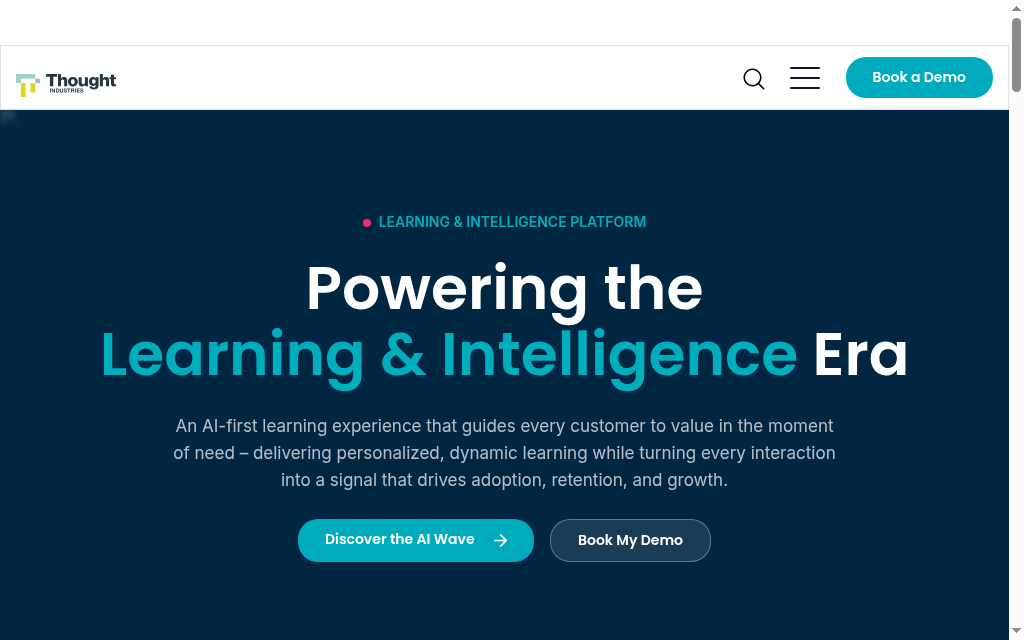
Thought Industries is built for external education you monetize: software, life-sciences and professional-training companies that sell training or run it as a revenue line. It pairs branded, multi-tenant academies with a strong commerce layer, subscriptions, bulk licensing, e-commerce, so you can charge for courses and certifications rather than only give them away. It is squarely a customer-education platform, not an internal LMS.
Best for a business whose customer training is a product, or is heading that way, and needs real monetization and B2B licensing built in. Like the other specialists it is enterprise and quote-based, so it is aimed at teams with a commercial training motion rather than a small onboarding academy. If you never plan to charge for training, its commerce depth is capability you will not use.
My testing experience: I would test the full B2B sale: an organisation buys seats, a client manager assigns them and learners receive the right catalogue. Include content editing, portal changes, licence expiry and the customer report. Thought Industries prices by quote, so compare authoring and commerce scope rather than use an unofficial monthly range.
Verdict: Best when customer training is a revenue line and you need monetization and B2B licensing. Overbuilt if your training will always be free onboarding.
6. Absorb LMS
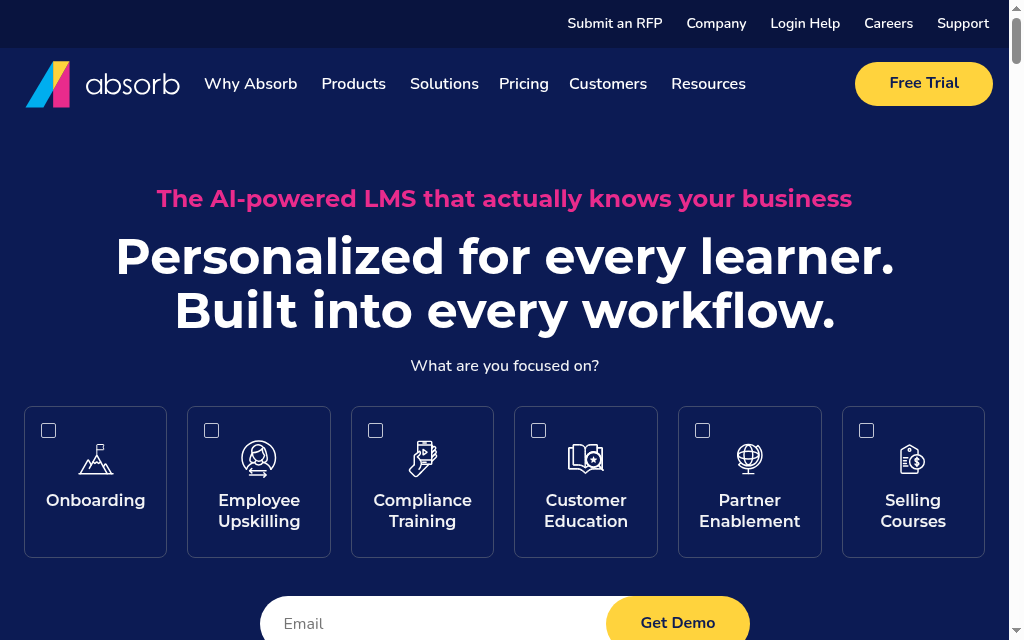
Absorb LMS is a polished, broad LMS used across employee and external training, with a capable extended-enterprise setup for customer and partner academies. It gives you clean branded portals, e-commerce for selling courses, and it scales, its own numbers put it in the millions of learners, so large external audiences are not a stretch. It reads as a safe, well-supported all-rounder rather than a niche customer-education specialist.
Best for a mid-market or enterprise team that wants one dependable platform covering both internal and customer training, with the option to sell courses. The trade-offs are familiar: quote-based per-user pricing and a general-purpose feature set, so it is less tailored to customer education than Skilljar or Thought Industries, but broader and often easier to live with. A solid default when you do not want to bet on a specialist.
My testing experience: The learner interface was easier to navigate than the admin setup I examined. Test account-level reporting, filters and export in the actual quote; core reports exist, while Analyze adds a separate analytics workflow. Include authoring and other add-ons in the total.
Verdict: A dependable all-rounder for internal and customer training, with commerce built in. Less customer-education-specific than the specialists, but broad and well-supported.
7. TalentLMS
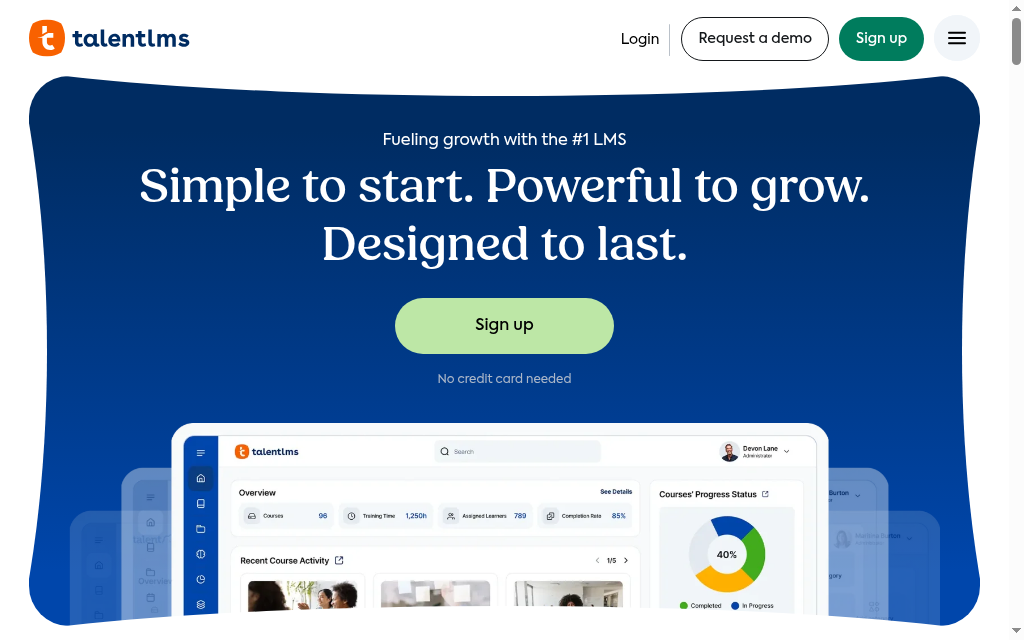
TalentLMS is the fastest, lowest-effort way onto this list: a simple cloud LMS you can brand and launch in days with no IT, and it handles customer and partner training through separate branded portals. It will not match the specialists on customer-education depth, but for a small or mid-size team that just needs a clean, branded academy live quickly, and running in several languages, it is the pragmatic choice, and it has a small free plan to start.
Best for an SMB or a first customer-training program that values speed and simplicity over enterprise depth. You get branded portals, easy setup and per-user pricing that stays reasonable at smaller scale. The catch is exactly that scale: per-user tiers get expensive as an external audience grows, and you will not find the account-level, adoption-linked analytics a dedicated customer-education platform gives you.
My testing experience: I could get a small academy running quickly. The free plan is five users and ten courses, so a customer pilot can exceed it. Test branch permissions, branded entry, custom reporting and the selected Standard or Flex billing model with a realistic audience.
Verdict: The quick, simple pick for a smaller customer academy you want live fast. Per-user pricing and lighter analytics make it less ideal at large external scale.
8. LearnUpon
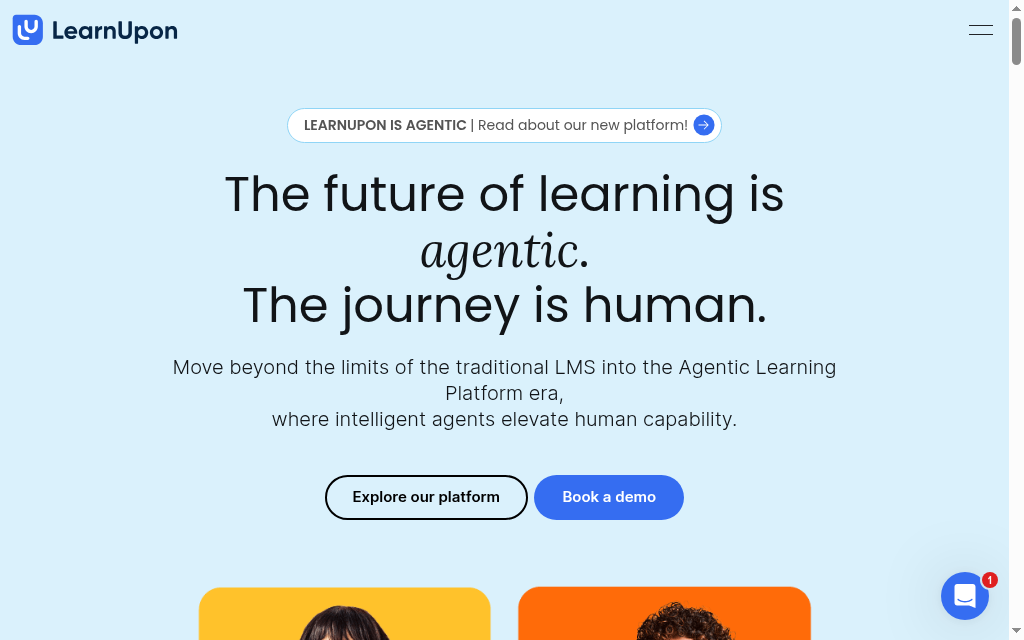
LearnUpon is a clean, well-supported cloud LMS whose signature is multi-portal delivery: you run several fully separate, branded training environments, customers, partners, employees, from one account, each with its own users, catalog and reporting. That makes it a natural fit for training more than one external audience without stitching together separate tools, and it comes with a dedicated implementation consultant and 24/7 support.
Best for several audiences that need separate branded learning environments and central administration. Customer Education currently starts at 300 users, while employee learning starts at 100. Obtain the quote for the actual audience and portal configuration.
My testing experience: The separate portal workflow is useful when staff and customers need different learning. Create+ now adds integrated interactive AI authoring, so the old description of native creation as text and video only is outdated. Test authoring, reporting limits and cross-portal content management in the current package.
Verdict: Compare LearnUpon for multi-audience customer education, with audience-specific starting sizes and a quote covering authoring, portals and integrations.
9. WorkRamp
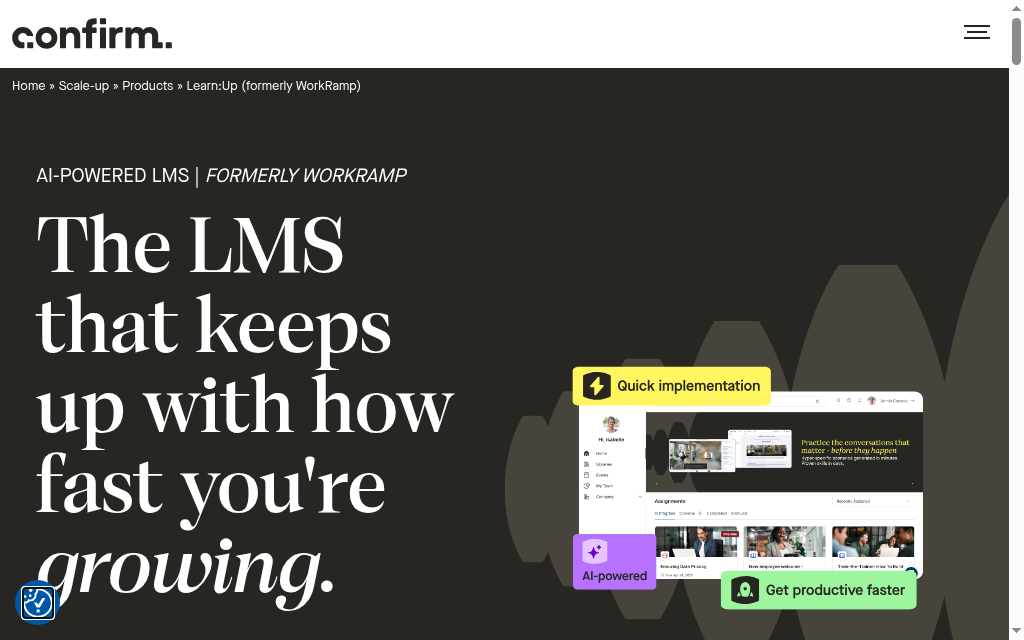
WorkRamp is now Learn:Up by Confirm, following Learning Pool’s October 2025 acquisition and the later Confirm branding. The current offer supports employee, customer and partner learning, with courses, assessments and certifications. Compare the audience and product scope rather than assume the acquisition renamed it immediately.
Best for a company, often software or high-growth, that wants customer education and internal enablement on one modern platform led by its customer-success or revenue team. Pricing is quote-based and enterprise-leaning, and it is a younger name than Docebo or Absorb, so check reference customers in your space. But for a CS-led org that wants one place for external and internal learning, it is a real contender.
My testing experience: The Salesforce connection did not work cleanly in the setup I examined. I would repeat that test with the current connector, permissions and account fields, then inspect the resulting customer report. A failed connection in one setup does not establish that the integration is unavailable. Pricing is quoted.
Verdict: A capable pick for CS-led teams wanting customer and employee learning in one platform, now Learn:Up. Quote-priced and pricey, with weaker mobile and reporting, so check references at your size.
10. iSpring Learn
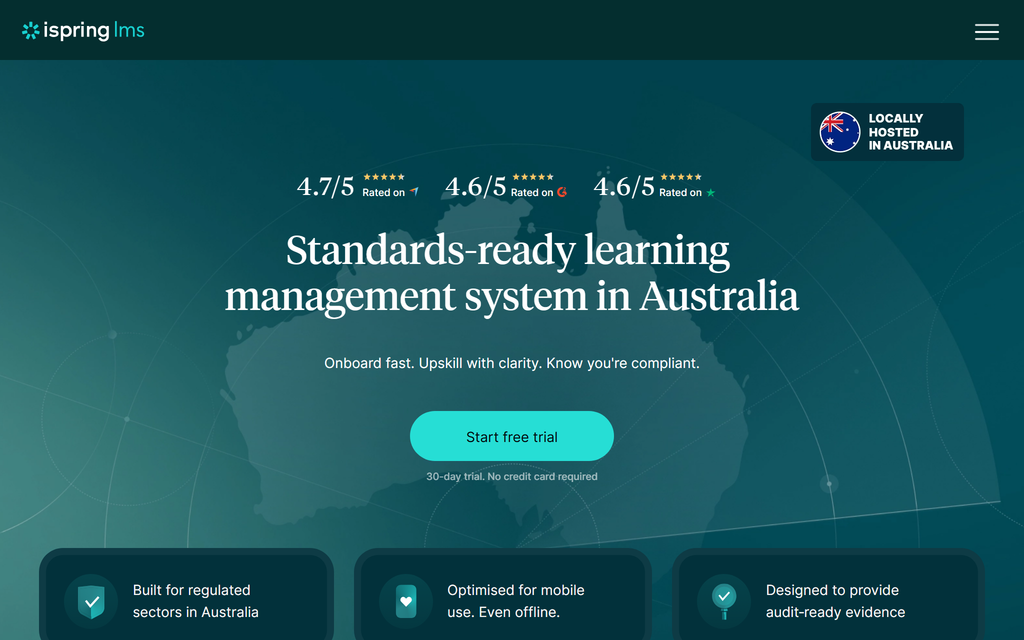
iSpring Learn pairs a straightforward cloud LMS with a strong PowerPoint-based authoring tool, and it can deliver branded customer training too. Its real strength is content creation: if your customer courses start life as slide decks or SCORM, iSpring turns them into polished lessons faster than most, and then hosts and tracks them. It is employee-first at heart, but it is a sensible option when authoring quality counts for more than customer-education-specific features.
Best for a team whose customer training is content-heavy and who wants excellent authoring plus a simple LMS in one subscription. Two things to know: the authoring half is PowerPoint- and Windows-oriented, a constraint for Mac-based teams, and it does not offer the account-level, adoption-linked analytics or deep multi-portal model the customer-education specialists do. Great for making the courses; lighter on the customer-academy machinery around them.
My testing experience: The desktop Suite workflow was useful for converting PowerPoint training. Test slide layouts, media and browser access on your actual devices. Distinguish Windows-based desktop authoring from the hosted LMS and any browser-based authoring included in the current package.
Verdict: Worth it when authoring quality is your priority and you want cards and courses from slides in one buy. Lighter on customer-education-specific analytics and portals.
Walk through a customer’s first login, the lesson, the assessment and the next product task. Then inspect the account-level record in your customer-success workflow and model a launch-sized audience. Branding and learner pricing are two checks alongside content, integration, reporting and administration.
The mismatches hide in the demo. Before you shortlist, make each vendor answer these five:
1. Do learners see only our brand, on our own domain, or does the vendor’s show up anywhere?
2. If we bring 10,000 customers in next quarter, what happens to the price? Compare that quote with the expected audience and usage.
3. Can we run separate branded portals for customers, partners and free users from one account, each with its own catalog?
4. Does reporting tie to product adoption and push into our CRM, or is it completion counts we export to a spreadsheet?
5. What is an add-on, and what is the contract minimum? Analytics, authoring and SSO are often priced separately, and several tools here set a user floor.
If white-label delivery is your deciding factor, our rundown of white-label LMS platforms ranks them by how hard each is to brand.
Which should you use
For a dedicated customer academy, compare Skilljar’s customer-success connections with Intellum’s multi-audience platform. Coursebox connects course creation, tutoring and delivery with unlimited learners; Thought Industries adds a commercial training focus. Trial the customer journey, administrator work and account-level reporting before choosing.
And if your training is really product onboarding, our guide to AI course creation shows how to turn your existing help docs into a branded academy fast.
Frequently Asked Questions
It is a learning platform built to train people outside your company, your customers and partners, rather than your employees. The defining features are white-label, gated portals (learners see your brand, in their own space), the ability to certify and report at large external scale, and reporting that ties learning to product adoption and retention. Skilljar, Intellum and Thought Industries are examples built specifically for this.
Three ways. Branding: customers must see your brand, not the vendor’s, in a portal that is yours. Scale and pricing: external audiences are large and unpredictable, so per-seat pricing that works for a fixed headcount of employees can become punishing. And measurement: for employees you track completion, for customers you track whether training drove adoption, retention and fewer support tickets. A tool can be a good employee LMS and a poor customer one.
It depends on your situation. Skilljar is the reference pick for a dedicated customer or partner academy; Intellum for enterprise customer, partner and employee education on one platform; Thought Industries if you monetize training. Coursebox is the pick for a white-label academy with unlimited learners and no per-learner fee, built fast with AI. Docebo, Absorb, TalentLMS, LearnUpon, WorkRamp and iSpring each fit specific needs. The right pick depends on whether you run a standalone academy, monetize training, or need it flat-cost at scale.
Model registered learners, monthly active users, peak launch volume, AI usage, portals and required integrations. An unlimited-learner plan removes a learner-count fee, while active-user billing may suit an intermittent audience. Compare the full quote and capacity at the same forecast volume.
Use product adoption, time to value, support demand and retention alongside training records. The Intellum-commissioned 2024 Forrester survey covered 300 US customer-education decision-makers and reports programme outcomes; it does not prove the LMS caused them. Compare comparable cohorts and account characteristics before attributing a change to training.
Carolina Martin
Carolina is a highly experienced learning designer with tech start-up experience. She is based in Sydney and previously designed courses alongside Coursebox founder Travis in a previous job. She is passionate about delivering engaging learning experiences and brings the same perspective to customer experience too. She manages our customer support documentation and product testing processes.

