

أفضل 10 منصات تدريب افتراضية للفرق العاملة عن بُعد
استكشف أفضل منصات التدريب الافتراضي للتعلم عبر الإنترنت. قارن بين برامج التدريب الافتراضي التي تساعد المدربين على تقديم جلسات تفاعلية وفعّالة عن بُعد.


قم بإعداد نظام إدارة التعلم الخاص بك والذي يحمل علامتك التجارية، وقدم التدريب باستخدام الذكاء الاصطناعي
إن اختيار منصة التدريب الافتراضية المناسبة يتطلب أكثر من مجرد ميزات سطحية. مقدم التدريب نحتاج إلى أدوات تدعم الجلسات المباشرة، وتفاعل المتعلمين، والنمو مع مرور الوقت. وتشير البيانات الحديثة إلى أن حوالي 70% من الشركات تُقدّم الآن دورات تدريبية عبر الإنترنت، ويشير العديد من المتدربين إلى أن التدريب الإلكتروني يُحسّن المرونة وتنمية المهارات، مما يُبرز القيمة الكبيرة للأساليب الافتراضية. هذا التوجه يضع المدربين تحت ضغط لاختيار الأنسب لهم.
يُسلط هذا الدليل الضوء على أفضل منصات التدريب الافتراضية لـ نساعدك في تقديم دورات تدريبية فعالةدعم المتعلمين، وتوسيع نطاق التدريب بسلاسة.
إفصاح كامل: هذه المدونة مملوكة ومدارة من قبل Coursebox. وبينما أدرجنا أنفسنا في هذه القائمة لإيماننا بمنصتنا، فقد قدمنا تحليلاً موضوعياً للميزات لمساعدتك في اختيار الأنسب لك.
أفضل منصات التدريب الافتراضي: أفضل 10 اختياراتنا
إليكم تفصيل لأفضل منصات التدريب عبر الإنترنت المتوفرة في السوق:
1. أدوبي كونكت
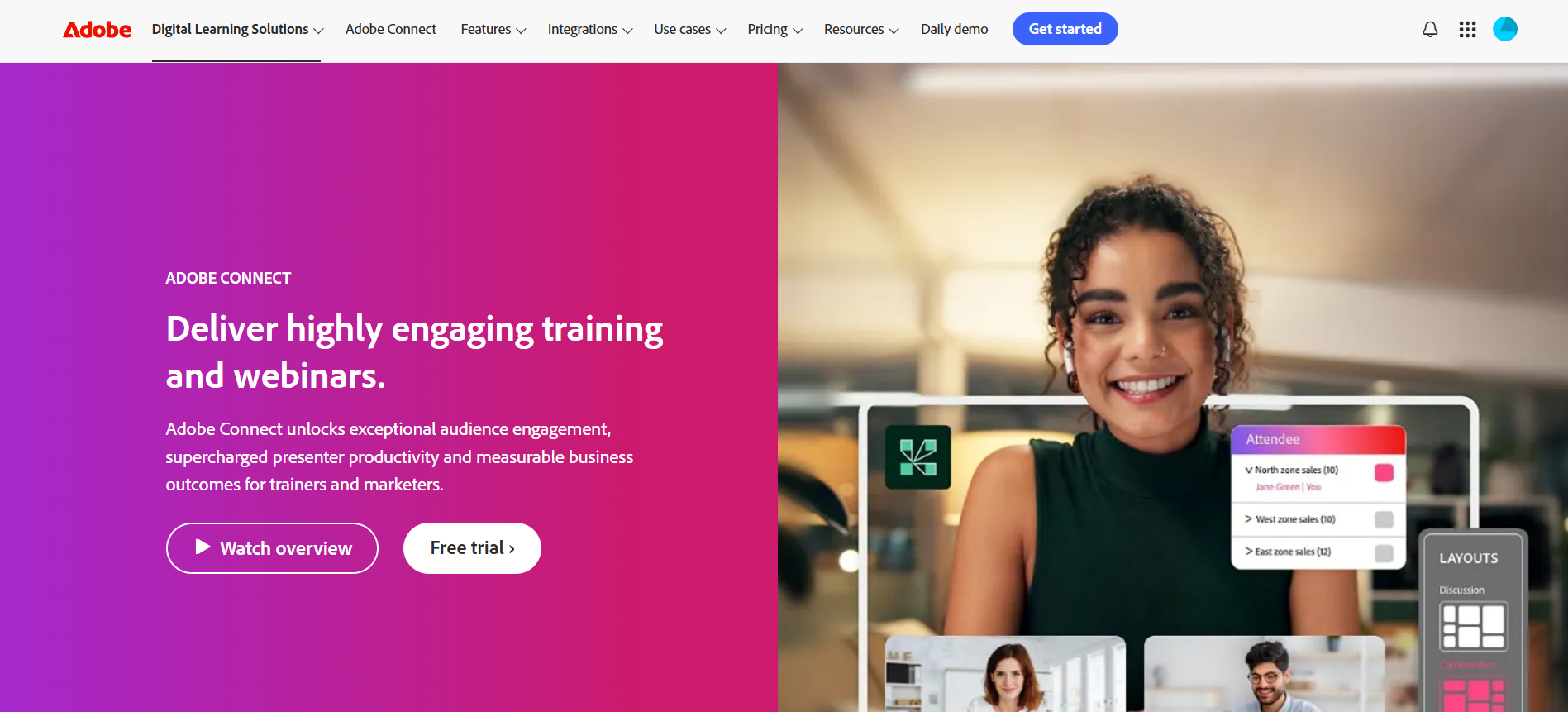
أدوبي كونكت تُعدّ هذه المنصة من أفضل منصات التدريب الإلكتروني لتقديم تدريب افتراضي تفاعلي وآمن، بالإضافة إلى الندوات عبر الإنترنت والاجتماعات. يستطيع المدربون إنشاء تصميمات قابلة للتخصيص، وغرف افتراضية دائمة، وميزات تفاعلية مثل استطلاعات الرأي، وجلسات الأسئلة والأجوبة، والدردشة. تعزيز المشاركة في التدريب.
يُعرف Adobe Connect بمرونته وأمانه، وهو مناسب للمؤسسات من جميع الأحجام، بما في ذلك الوكالات الحكومية. تتوفر نسخة تجريبية مجانية، مما يُسهّل استكشاف المنصة قبل اعتمادها لجلسات التدريب الدورية أو الفعاليات الافتراضية واسعة النطاق.
الميزات الرئيسية:
- تصميمات قابلة للتخصيص للفصول الدراسية الافتراضية والندوات عبر الإنترنت
- غرف افتراضية دائمة جاهزة للجلسات المتكررة
- ميزات تفاعلية، بما في ذلك استطلاعات الرأي، والأسئلة والأجوبة، والدردشة
- أمان قوي للجلسات السرية
- توفير الدعم اللازم لتسهيل وصول المشاركين ذوي الاحتياجات البصرية أو السمعية أو الحركية
- تسجيل الجلسة للمراجعة وإعادة التشغيل
- إعداد التقارير والتحليلات المتعلقة بالمشاركة والحضور
- غرف فرعية للتعاون بين المجموعات الصغيرة
- دعم متعدد المنصات لأجهزة سطح المكتب والأجهزة المحمولة
- التكامل مع أنظمة إدارة التعلم وأدوات المؤسسات الأخرى
2. مشاركة السحابة

كلاود شير هي منصة متعددة الاستخدامات لإنشاء تجارب تدريبية تفاعلية وعملية على البرامج. يمكن للمدربين إعداد بيئات واقعية للتدريب الافتراضي، وعروض المبيعات، و إثبات المفهوممما يتيح للمتعلمين التدرب بأمان ودون مخاطر. كما تتتبع المنصة نشاط المستخدمين، وتدعم التكامل مع الأنظمة الأخرى، وتساعد في إدارة تكاليف التدريب بكفاءة.
يُعدّ CloudShare خيارًا مثاليًا لفرق تكنولوجيا المعلومات وشركات البرمجيات والمؤسسات التي تحتاج إلى تجارب تعليمية افتراضية تفاعلية وقابلة للتطوير. توفر المنصة فترة تجريبية مجانية وأسعارًا مرنة، مما يجعلها في متناول الفرق بمختلف أحجامها.
الميزات الرئيسية:
- مختبرات تدريب عملية للتطبيق العملي في العالم الحقيقي
- إعداد سريع مع قوالب قابلة للتخصيص
- تتبع نشاط المستخدم في الوقت الفعلي
- إدارة التكاليف من أجل الاستخدام الأمثل للموارد
- التكامل مع الأدوات والأنظمة الحالية
- برامج تدريبية قابلة للتطوير للفرق المتنامية
3. LearnWorlds
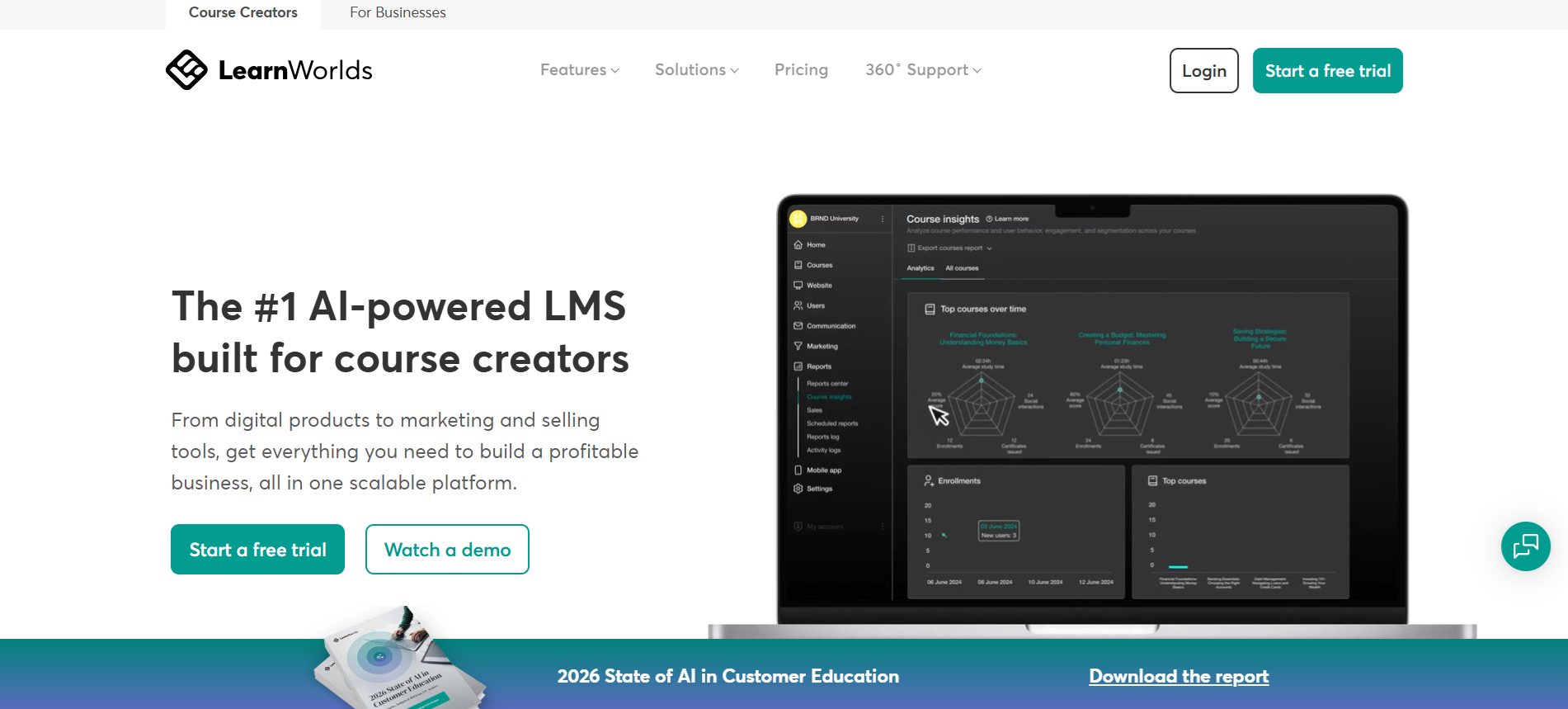
LearnWorlds هو حل متكامل لإنشاء وتسويق وبيع الدورات التدريبية عبر الإنترنت و برامج التدريب الافتراضيةصُممت هذه المنصة خصيصاً لمنشئي الدورات التدريبية والشركات، وتساعد في تقديم تجارب تعليمية افتراضية تفاعلية. تدعم المنصة الدورات التدريبية التفاعلية، والمواقع الإلكترونية المخصصة، وحتى تطبيقات الجوال.
بإمكان المدربين بناء المجتمعاتتتيح منصة LearnWorlds تتبع الأداء من خلال تحليلات مفصلة، واستخدام أدوات التسويق لتنمية مبادرات التعليم الإلكتروني. كما توفر المنصة فترة تجريبية مجانية وخططًا مرنة، مما يجعلها في متناول الفرق الصغيرة والمؤسسات التدريبية الكبيرة.
الميزات الرئيسية:
- إنشاء دورات مرنة مع مقاطع فيديو تفاعلية وجلسات مباشرة
- مساعد الذكاء الاصطناعي لتحسين محتوى الدورة التدريبية
- موقع ويب وتطبيق جوال يحملان علامة تجارية بدون برمجة
- أدوات التسويق، بما في ذلك برامج التسويق بالعمولة والاشتراكات
- إدارة متقدمة مع تحليلات، وأدوار مستخدم مخصصة، وعمليات تكامل
- ميزات بناء المجتمع للمتعلمين
- تقييمات مُصممة على غرار الألعاب لزيادة التفاعل
- دعم متعدد اللغات للمتعلمين العالميين
- أتمتة تقديم الدورات التدريبية والإشعارات
- تقارير مفصلة لتتبع الأداء والنمو
4. الذكاء الاصطناعي لـ Coursebox
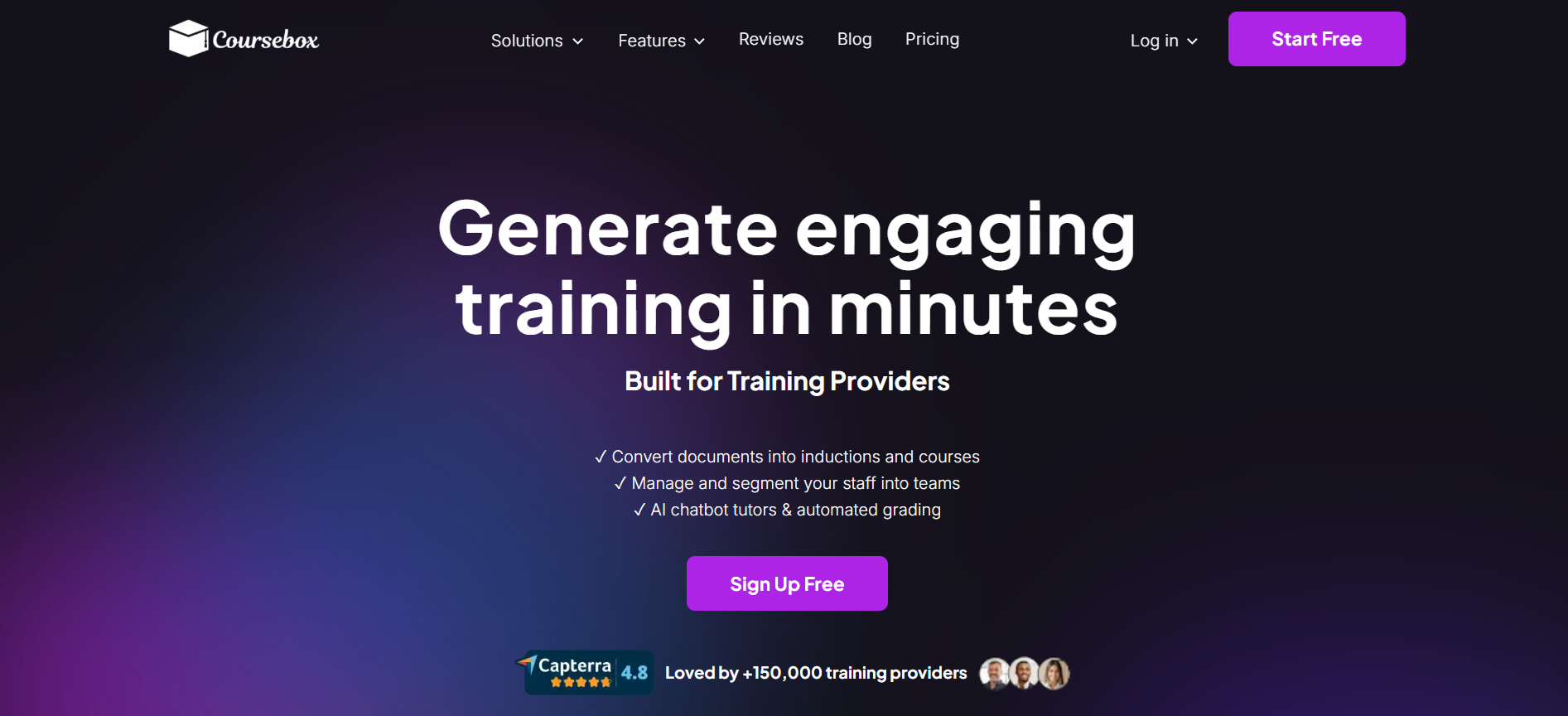
Coursebox AI هي منصة تدريب تعتمد على الذكاء الاصطناعي، تُساعد الفرق الموزعة على إنشاء وتقديم تدريب افتراضي ذاتي الوتيرة بسرعة. تُحوّل المنصة المستندات والفيديوهات والشرائح والروابط إلى دورات مُهيكلة تتضمن اختبارات ووحدات تفاعلية ودعمًا من مُدرّبين مُعتمدين على الذكاء الاصطناعي، وتُقدّمها عبر بوابات إدارة التعلّم (LMS) وتطبيق جوال مُخصّص - وهو أمرٌ مُفيد للفرق البعيدة التي تحتاج إلى تدريب مُنتظم دون الحاجة إلى تنسيق لوجستي للجلسات المباشرة. تُعدّ Coursebox خيارًا مثاليًا للفرق التي يعتمد تدريبها الافتراضي بشكل أساسي على المحتوى والأسلوب غير المتزامن، والتي تُقدّر سرعة إنشاء الدورات التدريبية إلى جانب إمكانية التوسع في تقديمها. أما المؤسسات التي يعتمد تدريبها الافتراضي بشكل أساسي على الأسلوب المتزامن - جلسات مباشرة بقيادة مُدرّب، أو تدريب عملي، أو ورش عمل فورية - فغالبًا ما تُقيّم أيضًا منصات تدريب مُخصصة مثل Adobe Connect أو Webex، والتي تُقدّم تجربة الجلسات المباشرة بشكل أعمق من أنظمة إدارة التعلّم التي تُركّز على المحتوى.
الميزات الرئيسية:
- إنشاء دورات ودروس مدعومة بالذكاء الاصطناعي في دقائق
- اختبارات تفاعلية، التقييمات، و روبوتات الدردشة
- دعم بوابات أنظمة إدارة التعلم ذات العلامات التجارية وتطبيقات الجوال
- تصدير SCORM و تكامل سهل مع أنظمة إدارة التعلم
- إنشاء دورات متعددة اللغات (أكثر من 100 لغة)
- تتبع المتعلمين وإعداد التقارير في الوقت الفعلي
- شهادات وتقييمات مخصصة
- التكامل عبر LTI باستخدام الأدوات الحالية
- عدد غير محدود من المتعلمين في جميع الخطط
- خيارات توصيل مرنة (روابط عامة أو بوابات خاصة)
5. سكيلشير
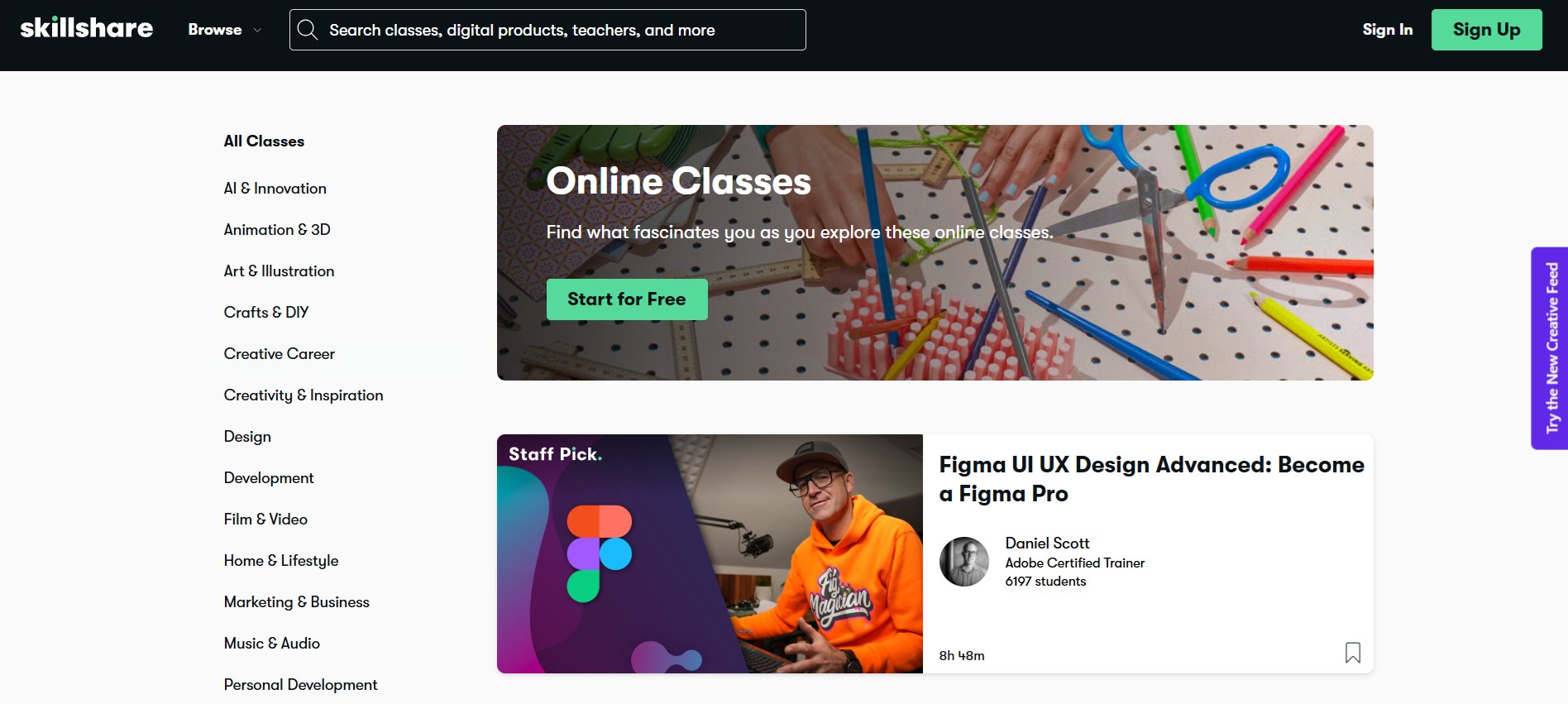
سكيلشير تُصنّف هذه المنصة ضمن أفضل منصات التعلّم الافتراضي لتطوير المهارات الإبداعية والعملية. فهي تُقدّم آلاف الدورات التدريبية عبر الفيديو في مجالات التصميم والكتابة والتصوير الفوتوغرافي والأعمال التجارية وغيرها.
المنصة مدفوعة بالمجتمع، حيث تم إنشاء العديد من الدورات التدريبية من قبل خبراء يشاركون معارفهم من واقع الحياة. التعلم الذاتي يتيح للمستخدمين التقدم وفقًا لجدولهم الزمني، بينما تساعد المشاريع التفاعلية على تطبيق المهارات على الفور.
يُعدّ موقع Skillshare خيارًا مثاليًا للأفراد والهواة والفرق التي تسعى إلى التعلّم المرن عبر الإنترنت. تتوفر فترة تجريبية مجانية، مما يُسهّل استكشاف المحتوى قبل الاشتراك.
الميزات الرئيسية:
- آلاف الدورات التدريبية في مجالات الإبداع والأعمال والتكنولوجيا
- محتوى مقدم من المجتمع من الخبراء والممارسين
- التعلم الذاتي بوتيرة تناسب الجداول الزمنية المرنة
- مشاريع تفاعلية لتطبيق المهارات في سيناريوهات واقعية
- إمكانية الوصول عبر أجهزة متعددة على سطح المكتب أو الجهاز اللوحي أو الهاتف الذكي
- مجموعات صفوف دراسية مُنسقة لمسارات تعليمية مُركزة
- مشاهدة دون اتصال بالإنترنت للتعلم بدون إنترنت
- تتبع التقدم وشارات إتمام الدورة
- يتولى الفريق مسؤولية التدريب التنظيمي
- تحديات المهارات وورش العمل للتدريب العملي
6. ويبكس
ويبكس تُعدّ هذه المنصة من أفضل منصات التدريب الافتراضي للمدربين، إذ توفر أدواتٍ للاجتماعات والندوات والفعاليات عبر الإنترنت. يستطيع المدربون استضافة جلسات تفاعلية بجودة فيديو عالية الوضوح وصوت نقي، بالإضافة إلى ميزات تعاونية مثل مشاركة الشاشة والسبورة البيضاء ومشاركة الملفات. وتشمل التحسينات المدعومة بالذكاء الاصطناعي إزالة الضوضاء والترجمة الفورية والملخصات الآلية لتحسين جودة الجلسات.
يولي Webex أهمية قصوى للأمان، مما يجعله موثوقًا به للمؤسسات من جميع الأحجام. تتوفر خطة مجانية، بينما تضيف الخطط المدفوعة أوقات اجتماعات أطول، وتسجيلًا سحابيًا، وأدوات تعاون متقدمة، تدعم تدريب الفرق الصغيرة والفعاليات الافتراضية واسعة النطاق.
الميزات الرئيسية:
- اجتماعات تفاعلية مع فيديو وصوت عالي الدقة
- ندوات عبر الإنترنت وفعاليات افتراضية واسعة النطاق تتضمن جلسات أسئلة وأجوبة واستطلاعات رأي
- إزالة الضوضاء والترجمة وتلخيص الاجتماعات باستخدام الذكاء الاصطناعي
- أدوات التعاون، بما في ذلك الشاشات والسبورات البيضاء ومشاركة الملفات
- إجراءات أمنية قوية لحماية بيانات التدريب
- تسجيل سحابي للمراجعة لاحقًا
- أدوات إدارة وتسجيل الحضور
- إمكانية الوصول عبر الأجهزة المحمولة وأجهزة الكمبيوتر المكتبية
- تصميمات وقوالب اجتماعات قابلة للتخصيص
- التكامل مع التقاويم وأنظمة إدارة التعلم وتطبيقات التعاون
7. يوديمي

يوديمي تُعدّ هذه المنصة واحدة من أفضل منصات التدريب الإلكتروني للمتعلمين والمعلمين الذين يبحثون عن دورات مرنة وذاتية الوتيرة. مع آلاف... دورات تدريبية عبر الفيديو في مجالات الأعمال والتكنولوجيا والمهارات الإبداعية، يمكن للمدربين والموظفين تطوير مهاراتهم في أي وقت.
تساعد العناصر التفاعلية، مثل الاختبارات والواجبات وأدوات التعاون، المتعلمين على تطبيق معارفهم. كما يمكن للمدربين إنشاء دورات تدريبية وبيعها، مما يجعل منصة Udemy خيارًا شائعًا للتطوير الشخصي والتدريب المؤسسي على حد سواء.
تتيح الفترة التجريبية المجانية والخطط ذات الأسعار المعقولة إمكانية الوصول إليها للأفراد والمنظمات، مما يدعم كلاً من التعلم الجماعي الصغير ومبادرات التدريب على نطاق المؤسسات.
الميزات الرئيسية:
- فيديو عالي الدقة وصوت واضح للدروس
- اختبارات تفاعلية، وواجبات، وأدوات تعاون
- ميزات مدعومة بالذكاء الاصطناعي مثل إلغاء الضوضاء والترجمة
- منصة آمنة للتعلم الآمن
- خيارات مرنة لجلسات المجموعات الصغيرة أو الكبيرة
- إمكانية الوصول عبر المنصات المختلفة على أجهزة الكمبيوتر المكتبية أو الأجهزة اللوحية أو الهواتف المحمولة
- تتبع التقدم وشهادات إتمام الدورة
- مجموعة واسعة من المواضيع ومستويات المهارة
- أدوات للمدرسين لإنشاء وبيع الدورات التدريبية
- تحليلات لرصد تفاعل المتعلمين وأدائهم
8. بلورالسايت

بلورالسايت تُعدّ هذه المنصة واحدة من أفضل منصات برامج التدريب الافتراضي للأفراد والفرق الراغبة في تطوير مهاراتهم التقنية. فهي توفر آلاف الدورات التدريبية في مجالات تطوير البرمجيات، وعمليات تكنولوجيا المعلومات، والحوسبة السحابية، وعلوم البيانات.
مسارات تعليمية شخصيةتساعد تقييمات المهارات والتدريبات العملية المستخدمين على التقدم بكفاءة. ويمكن للشركات تتبع تقدم فرق العمل باستخدام التحليلات لسد فجوات المهارات.
تُناسب منصة Pluralsight فرق التكنولوجيا، والمتعلمين المُستعدين للحصول على الشهادات، والمهنيين الراغبين في تطوير مهاراتهم بسرعة. تتوفر فترة تجريبية مجانية، وتتوسع المنصة لتشمل المتعلمين الأفراد وفرق المؤسسات.
الميزات الرئيسية:
- آلاف الدورات التدريبية في البرمجة، وتكنولوجيا المعلومات، والحوسبة السحابية، ومهارات البيانات
- تقييم المهارات لتحديد نقاط القوة والضعف
- مسارات تعليمية منظمة لتنمية المهارات بشكل مركّز
- مختبرات عملية للتطبيق العملي
- أدوات التحضير للحصول على الشهادة
- تحليلات الفريق لتتبع التقدم
- توصيات شخصية للمتعلمين
- إمكانية الوصول عبر الهاتف المحمول وسطح المكتب
- تمارين تفاعلية لتعزيز التعلم
- تتبع التقدم وإعداد التقارير
9. سكيلسوفت
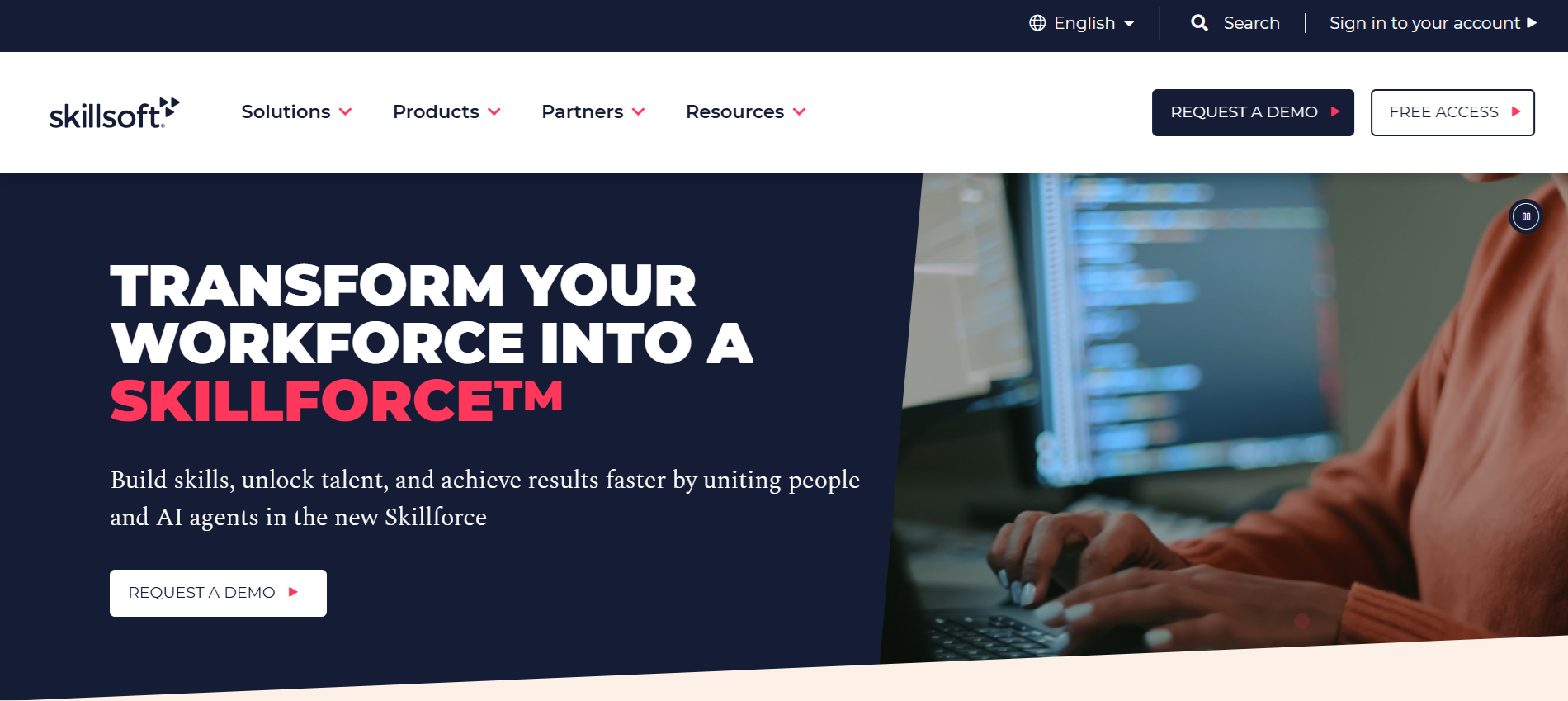
سكيلسوفت تُعدّ هذه المنصة من أفضل منصات التدريب الإلكتروني للمدربين، وهي مصممة لمساعدة الشركات على تطوير مهارات موظفيها بكفاءة. وتقدم المنصة دورات في مجالات التكنولوجيا والقيادة والامتثال والمهارات الشخصية. كما يوفر نظام التعلم المدعوم بالذكاء الاصطناعي تقييمًا فوريًا، ومسارات تعليمية مُخصصة، وتقييمات للمهارات لتحسين الأداء.
تستخدم الشركات منصة Skillsoft لـ تطوير مهارات الفرقضمان الامتثال، وتقديم الدعم التطوير المهني المستمرتتوفر فترة تجريبية مجانية، كما أن الخطط المرنة تناسب الفرق الصغيرة والمؤسسات الكبيرة على حد سواء.
الميزات الرئيسية:
- مكتبة شاملة تغطي التكنولوجيا والقيادة والامتثال
- التعلم الشخصي المدعوم بالذكاء الاصطناعي والتغذية الراجعة في الوقت الفعلي
- وحدات التدريب على الامتثال والسلامة
- تطوير القيادة لجميع المستويات التنظيمية
- تقييم المهارات لتحديد الثغرات المعرفية
- مسارات تعليمية مخصصة لكل موظف
- تتبع التقدم وإعداد التقارير للمديرين
- وصول سهل الاستخدام عبر الأجهزة المحمولة للفرق العاملة عن بعد
- تمارين واختبارات تفاعلية
- قابل للتوسع ليناسب فرق العمل من أي حجم
10. مختارات

مقتطفات تُصنف هذه المنصة ضمن أفضل منصات التدريب الإلكتروني للمدربين في المؤسسات التعليمية. وتوفر المنصة نظامًا متكاملًا يشمل أنظمة إدارة التعلم (LMS)، وأنظمة معلومات الطلاب (SIS)، وأدوات إدارة علاقات العملاء (CRM).
بإمكان المعلمين إنشاء دورات تدريبية عبر الإنترنتوتتبّع تقدّم الطلاب، وإشراك المتعلّمين بفعالية. كما يمكن للمسؤولين إدارة البيانات، وتحسين التواصل، واتخاذ القرارات بناءً على البيانات.
يُتيح التصميم المرن لبرنامج Anthology للمدارس والجامعات التوسع والتكيف مع تغير الاحتياجات. كما تتوفر نسخة تجريبية أو عرض توضيحي للمؤسسات لاستكشاف الميزات قبل التطبيق.
الميزات الرئيسية:
- نظام إدارة التعلم لإنشاء وإدارة الدورات التدريبية عبر الإنترنت
- نظام معلومات الطلاب (SIS) لإدارة التسجيل والدرجات والحضور
- نظام إدارة علاقات العملاء لتحسين التواصل والمشاركة مع الطلاب
- نظام بيئي مرن يربط بين أدوات متعددة
- التحليلات والرؤى المستندة إلى البيانات لتحسين عملية اتخاذ القرارات
- لوحات تحكم مخصصة للمعلمين والإداريين
- الوصول الآمن والامتثال للوائح التعليمية
- التكامل مع البرامج التعليمية الأخرى
- منصة قابلة للتطوير تناسب الكليات الصغيرة والجامعات الكبيرة
- إمكانية الوصول عبر الهاتف المحمول للطلاب والموظفين
الفوائد الرئيسية للتدريب الافتراضي للفرق
منصات التدريب الافتراضية، وخاصة منصات إدارة التعلم المدعومة بالذكاء الاصطناعيتساعد هذه الأدوات الفرق على التعلم دون قيود المكان أو الزمان. وتعتمد العديد من المؤسسات على أدوات التعلم الافتراضي لدعم العمل عن بُعد، وتقليل تكاليف التدريب، و تحسين نتائج التعلم.
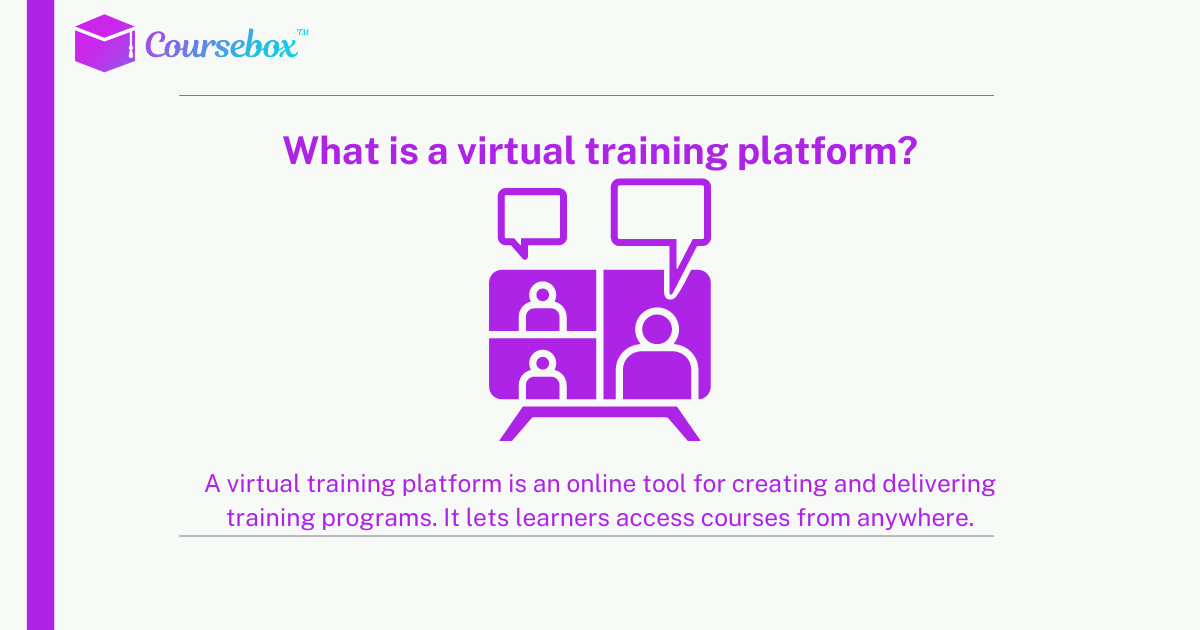
إليكم نظرة فاحصة على الفوائد الرئيسية لـ التعلم الافتراضي:
1. المرونة وسهولة الوصول
ينضم الموظفون إلى التدريب من أي مكان باستخدام أجهزة الكمبيوتر المحمولة أو الأجهزة المحمولة. وهذا يدعم فرق العمل عن بُعد والجداول الزمنية المزدحمة. ويتنقل المتدربون بين المحتوى بوتيرة تناسب يوم عملهم، مما يحسن المشاركة وإتمام التدريب.
نصيحة من خبير: أ نظام إدارة التعلم ذو العلامة البيضاء يحافظ على التدريب بشكل كامل على العلامة التجارية وبشكل احترافي، مما يساعد المتعلمين على الثقة في المنصة مع منح الشركات المرونة أثناء توسعها.
2. توفير التكاليف والتوسع
التدريب الافتراضي، تمامًا مثل التعلم عن بعديُلغي هذا النظام تكاليف السفر والمكان والمواد المطبوعة. تُدرّب الشركات فرقًا كبيرة دفعة واحدة دون الحاجة إلى تجهيزات إضافية، مما يجعل توسيع نطاق التدريب أسرع وأكثر فعالية من حيث التكلفة.
3. مشاركة أقوى
تساهم الميزات التفاعلية مثل الدردشة المباشرة واستطلاعات الرأي والاختبارات القصيرة والفيديوهات في إبقاء المتعلمين منخرطين. ويؤدي ارتفاع مستوى التفاعل إلى تحسين التركيز. تعزيز الاحتفاظ بالمعرفة أثناء جلسات التدريب.
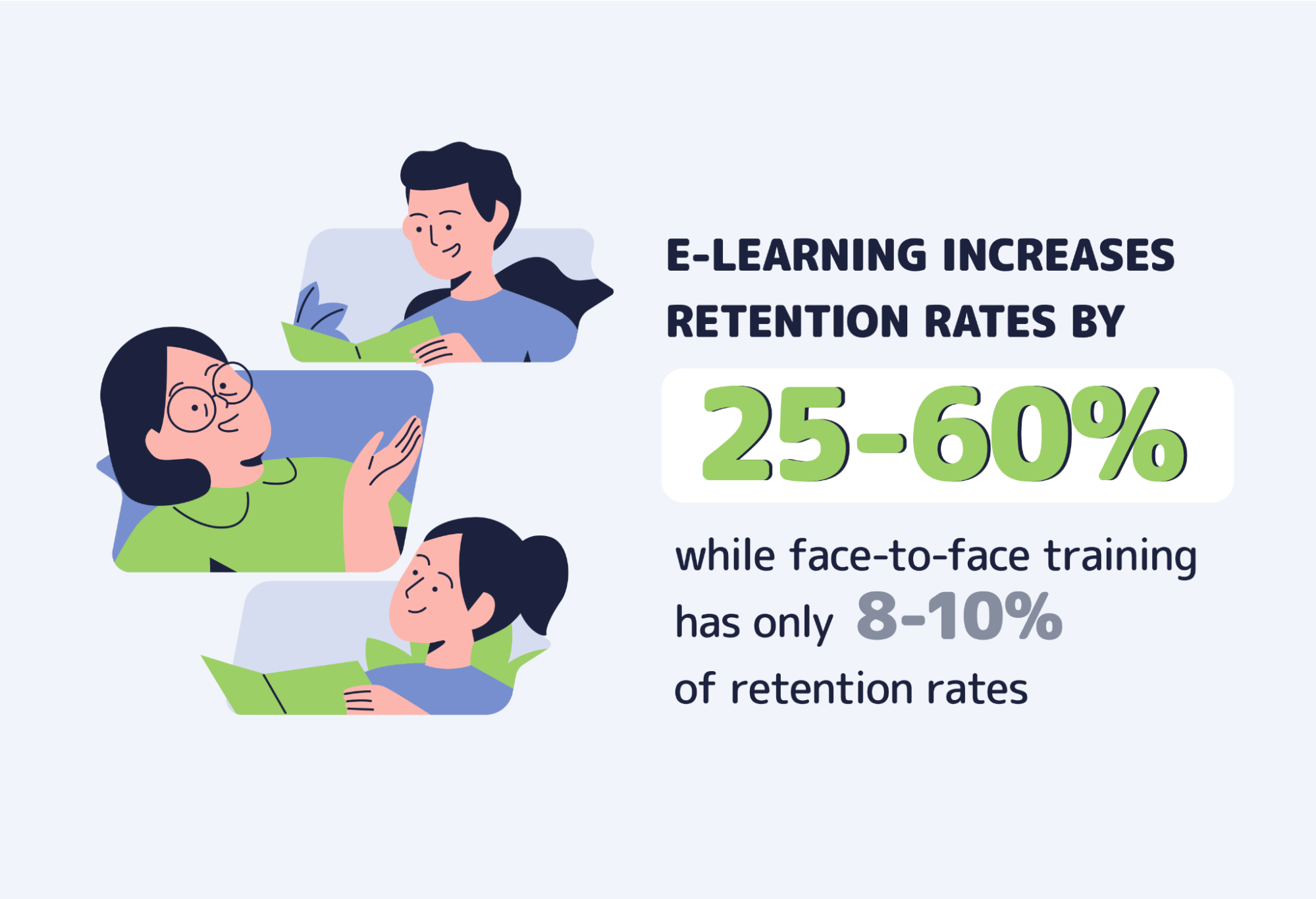
4. التدريب المستمر
يحصل كل متعلم على نفس محتوى التدريب والتوجيه. وهذا يساعد في الحفاظ على المعايير بين الفرق ويدعم الامتثال والعمليات الداخلية.
5. رؤى واضحة
يتتبع المدربون التقدم والإنجاز والأداء في الوقت الفعلي. تساعد هذه المعلومات في تحسين الجلسات المستقبلية و سد فجوات المهارات بشكل أسرع.
ارتقِ بتدريبك إلى مستوى أعلى مع Coursebox AI
لا يجب أن يكون التدريب الافتراضي معقدًا. مع Coursebox AI، يمكنك إنشاء الدورات التدريبية وتقديمها وتوسيع نطاقها بسرعة باستخدام أدوات مدعومة بالذكاء الاصطناعي التي تبسط عملية إنشاء المحتوى وتتتبع تقدم المتعلمين في الوقت الفعلي.
سواء كنت تدرب أفرادًا أو فرقًا، Coursebox AI يُقدّم خيارات مرنة وخطة مجانية مدى الحياة للبدء. استكشف المنصة وقدّم تدريباً احترافياً وجذاباً من أي مكان.
الأسئلة الشائعة
ما هي أفضل منصة تدريب عبر الإنترنت؟
يعتمد اختيار أفضل منصة تدريب عبر الإنترنت على احتياجاتك. تُصنّف منصات Coursebox AI وUdemy وPluralsight ضمن أفضل المنصات لتقديمها تدريبًا افتراضيًا مرنًا وجذابًا. ابحث عن منصات توفر محتوى تفاعليًا، وتتبعًا للتقدم، وإمكانية الوصول عبر الأجهزة المحمولة لضمان قدرة المتعلمين على إكمال الدورات بكفاءة واكتساب مهارات عملية.
ما هي أفضل منصة تعليمية عبر الإنترنت؟
تُعدّ منصات مثل LearnWorlds وSkillshare وAdobe Connect شائعةً في مجال التعليم الإلكتروني. اختر منصةً تدعم الدروس التفاعلية والتقييمات والتحليلات. تُساعد المنصات التي تُتيح التفاعل المجتمعي والبوابات الإلكترونية ذات العلامات التجارية والتعلم عبر الأجهزة المحمولة، المُدرّسين على ابتكار تجارب تعليمية احترافية وجذابة للمتعلمين من جميع المستويات.
ما هي قاعدة 70-20-10 للتدريب؟
قاعدة 70-20-10 هي إطار تعليمي يعتمد على الخبرة العملية بنسبة 70%، والتعلم الاجتماعي والتغذية الراجعة بنسبة 20%، والدورات التدريبية الرسمية بنسبة 10%. وتساعد منصات التدريب الافتراضية على تطبيق هذه القاعدة من خلال الجمع بين المحتوى التفاعلي وأدوات التعاون والدروس المنظمة لتغطية المجالات الثلاثة بكفاءة.
ما هي أفضل منصة للتعليم عن بعد عبر الإنترنت؟
تُعدّ منصات Skillshare وPluralsight وCoursebox AI من أفضل المنصات للتعليم عن بُعد. فهي توفر دورات ذاتية الوتيرة، وتمارين تفاعلية، وإمكانية الوصول عبر الأجهزة المحمولة، مما يسمح للمتعلمين بالتقدم عن بُعد. وتجعل ميزات مثل التتبع الفوري والتقييمات والتكامل هذه المنصات مثالية للمدارس والشركات والمتعلمين الأفراد الذين يبحثون عن تعليم مرن عبر الإنترنت.
ما هي أفضل منصة للتعليم الإلكتروني؟
تعتمد أفضل منصة للتعليم الإلكتروني على الأهداف والجمهور المستهدف. توفر خيارات مثل Udemy وAdobe Connect وCoursebox AI مزيجًا من إنشاء الدورات التدريبية، والميزات التفاعلية، والتحليلات. تساعد المنصات المزودة بأدوات الذكاء الاصطناعي، وإمكانية الوصول عبر الأجهزة المحمولة، ومرونة التقديم، المدربين على تقديم تجارب تعليمية تفاعلية وفعّالة عبر الإنترنت.
Alex Hey
مدير التسويق الرقمي وخبير النمو

